
QR Code Menus and Dynamic Pricing: A Practical Guide
September 7, 2026 · Captain
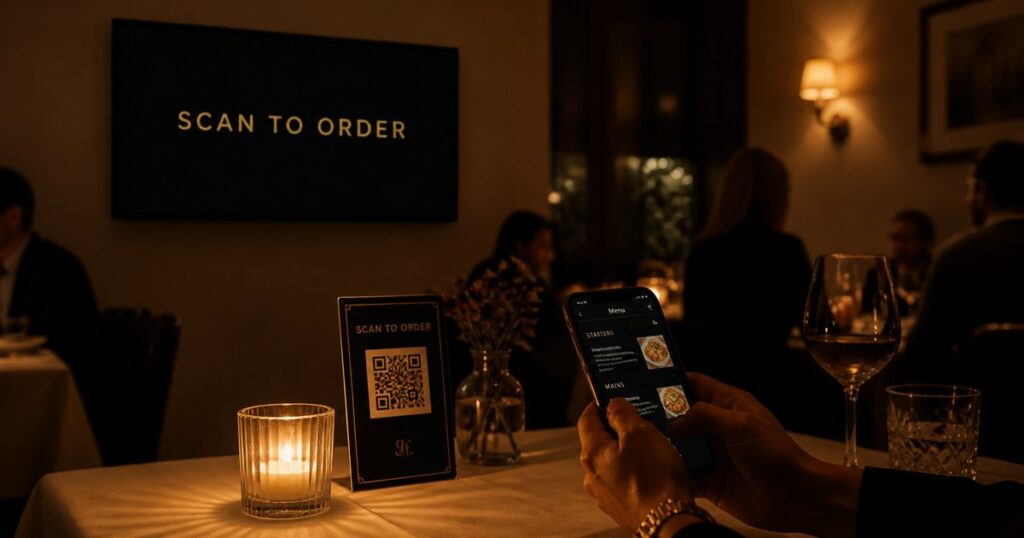
A QR code menu is a code on your table or counter that customers scan to open your menu on their own phone. Paired with dynamic pricing, you change a price once and every phone sees the new price in seconds, with no reprinting and no stale PDFs. Split-Flap TV runs both together, from €19.99/month, so your wall board and everyone’s phone always show the same thing. Here is how it works.
What a QR code menu actually solves
The first wave of QR menus, the ones that appeared everywhere in 2020, were mostly a PDF behind a code. They solved contact-free ordering and nothing else. When a price changed, someone still had to export a new PDF and reprint the code, or the menu lied.
A proper QR code menu is live. The code never changes. What it points to updates whenever you update it. That is the difference between a QR code and dynamic pricing, and it is the part worth having.
How dynamic pricing works
Dynamic pricing sounds complicated and is not. It means the price is stored in one place and shown in many. When you change it once:
- The menu board on the wall flips to the new price.
- The menu on every customer’s phone updates to match.
- The QR code itself does not change, so your printed codes and table tents stay valid forever.
You are not managing two menus that drift apart. You are managing one, seen in two places. The full feature is on the QR code menus page, and there is a deeper explainer in QR code menus and how dynamic pricing keeps every phone current.
Where dynamic pricing earns its keep
- Happy hour. Prices drop at 4pm on the board and on every phone at once, then go back at 6, on a schedule.
- Sold out. Flip an item to sold out and it disappears from the phone menu too, so nobody orders what you cannot make.
- Daily specials. Add today’s special once and it is on the wall and in every hand.
- Cost changes. When a supplier price moves, your menu moves with it the same day, not next print run.
Setting it up, step by step
- Start a free trial and build your menu in the browser.
- Turn on the QR code menu so a scannable code points at your live menu.
- Print the code once, on a table tent, the counter, or the window.
- Put the board on a screen you already own.
- From then on, change prices from your phone and both the board and the phone menu update together.
A note on where this fits
Dynamic pricing is available on the Cockpit plan, because it ties the board to live data. If you only need a great-looking menu board that you change by hand, the entry plan does that from €19.99/month. If you want the board and the customer’s phone to move together, that is what the top plan adds. The pricing page lays out which plan includes what.
FAQ
What is a QR code menu? It is a code customers scan to open your menu on their own phone. A live QR code menu points at a menu you can update any time, so the code stays the same while the content changes.
What is dynamic pricing in a restaurant? Dynamic pricing means your prices are stored once and shown everywhere at once. Change a price and the wall board and every customer’s phone update together, with no reprinting.
Do I have to reprint the QR code when prices change? No. The code points at your live menu, so it never needs reprinting. Only the content behind it changes.
Can the wall board and the phone menu show different prices? Not by accident. They read from the same source, so changing a price once updates both. That is the point of dynamic pricing.
Which plan includes QR code menus? QR code menus with dynamic pricing are on the Cockpit plan. A standard menu board you update by hand is available from €19.99/month. See pricing.
Want your menu to change everywhere at once? Start a free trial or read more about QR code menus.