
A Guide to Scheduled Business Announcements
July 11, 2026 · Captain
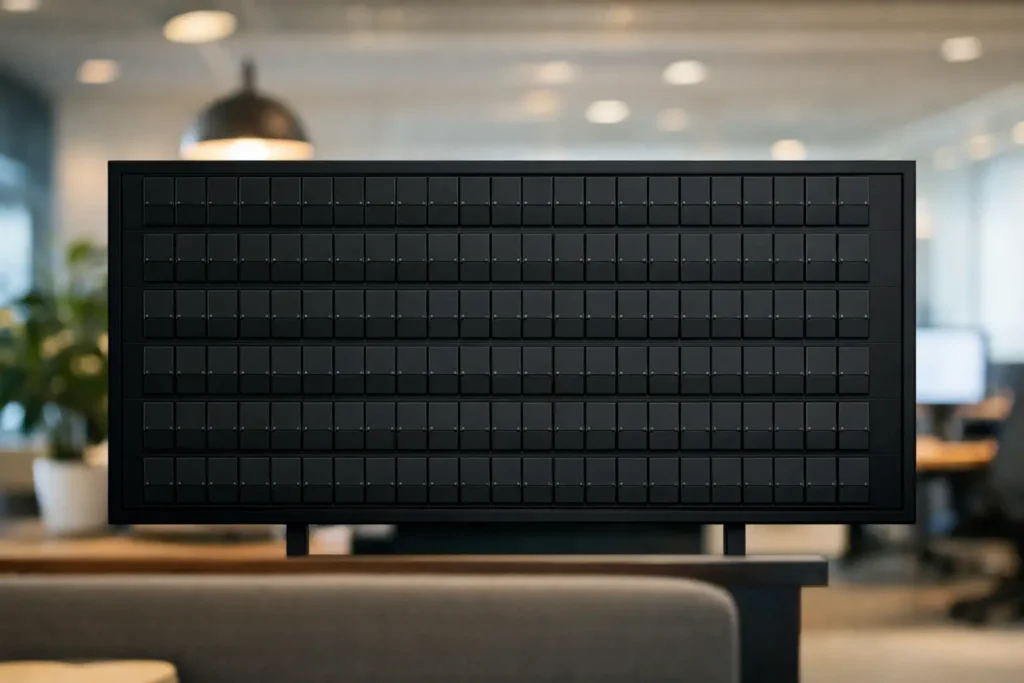
The lunch rush begins at noon, happy hour starts at five, and the private event takes over the back room at seven. Yet the sign by the door still says yesterday’s special because nobody had a spare minute to change it. This guide to scheduled business announcements is for the businesses that want the right message visible at the right moment, without putting another task on an already busy shift.
A scheduled announcement turns a display into a dependable part of daily operations. It can greet the morning crowd, promote an afternoon offer, remind guests about an evening event, and switch to tomorrow’s message after closing. With a split-flap display, those changes arrive with the familiar click-clack theater of a classic transit board – practical information presented with real presence.
Why scheduled announcements earn their place
Customer-facing information changes more often than most businesses realize. Restaurant menus sell out. Hotels need to redirect guests. Retailers launch limited runs. Offices host visitors, close conference rooms, or announce a team event. When updates rely on marker boards, printed tent cards, or staff remembering to swap a sign, accuracy becomes optional.
Scheduling removes that fragile handoff. Instead of asking someone to post a message at exactly 4:00 p.m., the display does it automatically. Staff can stay focused on service, while guests see information that reflects what is actually happening.
The operational gain is only half the story. A well-timed announcement feels considered. A boutique hotel lobby that shifts from a morning coffee note to an evening rooftop reminder feels attentive. A bar that rotates from food service to live music information feels active, not cluttered. The message is useful, but the timing makes it part of the experience.
Start with moments, not a pile of messages
The most effective schedule begins with the rhythm of your location. Before writing copy or choosing colors, identify the moments when a customer needs new information. For many venues, those moments are tied to opening, service transitions, peak traffic, events, and closing.
A café might run a simple daily sequence: opening hours and Wi-Fi in the morning, featured pastries before lunch, an afternoon drink prompt, then a closing-time note. A restaurant may need its board to feature lunch, dinner, sold-out items, and reservations. An office can use it for guest welcomes during the day and shared-space reminders after employees leave.
Do not schedule every available minute just because you can. A split-flap board is at its best when each message has room to land. Its visual language is text-forward, intentional, and a little theatrical. Constantly changing lines can make guests miss the information and dilute the charm of the flip animation.
Build a dependable daily backbone
Create the messages that repeat every day first. These are the announcements that answer routine questions or support routine decisions: hours, service periods, directional notes, Wi-Fi details, daily specials, and event start times.
Then add exceptions. A one-night ticketed event, an early close, a holiday menu, or a private booking deserves a temporary scheduled page. Keeping recurring content separate from exceptions makes it easier to update the unusual without disrupting the dependable.
A useful test is this: if a guest asked a staff member this question three times last week, it may deserve a scheduled message.
Write for a board people see in passing
Scheduled content should be written differently from a social post or email. Guests often see a display while walking in, waiting in line, or scanning a room. They need to understand the essential point within a few seconds.
Lead with the action or fact: “HAPPY HOUR 4-6,” “LOBBY BAR OPENS AT 5,” or “PRIVATE EVENT UPSTAIRS 7 PM.” Supporting details can follow if the layout has room, but the main message should not depend on a second read.
Use short lines, familiar words, and specific timing. “JOIN US LATER” may sound friendly, but “JAZZ STARTS 8 PM” is more useful. If the message involves an offer, clarify the window. If it involves a location, name the room or floor.
There is a trade-off between personality and clarity. A clever phrase can fit a brand, but not if it leaves customers wondering what they are supposed to do. Let the split-flap style provide the character. The copy can stay direct.
Set timing that matches real behavior
The scheduled time should reflect when people need the information, not merely when the event begins. If happy hour starts at 4:00 p.m., consider showing it before the first likely arrival. If a kitchen closes at 9:00 p.m., a last-call message may need to appear at 8:30, not 9:01.
For each announcement, decide on three things: when it appears, when it disappears, and what replaces it. This prevents empty gaps and avoids the awkward situation where an expired message remains visible after the moment has passed.
Think in customer windows. A lunch message might run from 10:45 a.m. to 2:00 p.m. An event reminder could appear in short rotations during the two hours beforehand, then shift to wayfinding once guests arrive. For information that is always useful, such as Wi-Fi or restroom direction, schedule it as a recurring page between promotional messages.
Time zones matter for businesses with multiple locations or managers working remotely. Establish one clear rule for who owns the schedule and which local time zone governs it. That small decision prevents a morning message from appearing during the previous night’s service.
Use pages to keep the display useful, not noisy
A rotating page schedule gives one screen several jobs. The key is to make those jobs feel connected. A restaurant might move through a welcome, a daily special, a service reminder, and an evening event. A hotel might alternate local recommendations, check-in guidance, and programming updates.
Keep related information together whenever possible. If guests need to know that a workshop starts at 6:00 p.m. and takes place in Studio B, place both details on the same page rather than hoping they catch two separate rotations.
Also consider dwell time. Short messages can hold briefly, while directions or multi-line schedules deserve more time. Watch the board from the customer’s likely viewing distance. If you cannot read and understand the page in one pass, shorten the copy, enlarge the key detail, or give it a longer hold.
Split Flap TV makes this approach especially effective because teams can manage layouts, pages, timing, and scheduled changes from an app rather than treating the screen like a fixed sign. The familiar board aesthetic remains front and center, while the content can change as quickly as your business does.
Plan for the exceptions that cause the most confusion
A schedule is not only for polished promotions. Its greatest value often appears when something changes unexpectedly. A sold-out dish, weather closure, delayed opening, relocated event, or private buyout can create a wave of repeated questions. A clear display message can stop that wave at the door.
Prepare a small set of reusable emergency templates before you need them. Keep the language simple: “CLOSING AT 4 PM TODAY,” “EVENT MOVED TO LEVEL 2,” or “KITCHEN CLOSED – BAR OPEN.” When the situation arrives, you are editing a proven format instead of composing copy under pressure.
For temporary messages, set an end time immediately. This is an easy detail to overlook during a hectic day, and it is the difference between a helpful notice and a stale one still hanging around next week.
Give someone ownership, then make publishing easy
Cloud-managed scheduling reduces manual work, but it still benefits from a clear owner. That might be a general manager, office coordinator, marketing lead, or shift supervisor. The right person is not necessarily the most technical person. It is the person who knows the operating calendar and has authority to keep public information accurate.
Create a lightweight routine. Review the next week’s announcements once a week, confirm event details a day ahead, and check the display during each major service transition for the first few days of a new schedule. Once the pattern is reliable, the process becomes quick.
Keep an eye on the physical environment too. A message that works near a host stand may need a different layout in a bright storefront window. Text contrast, screen placement, viewing distance, and ambient sound all shape how the experience lands. Optional click-clack audio can add atmosphere in a lobby or bar, but a quieter office or intimate dining room may call for visual motion only.
Make the board feel alive, not overworked
The best scheduled announcements do not make a venue feel automated. They make it feel prepared. The board changes as the day changes, offering a small, satisfying signal that someone has thought through the guest experience.
Start with one week of dependable messages, watch what customers ask, and refine the schedule around those real moments. A well-timed line of text can save staff a dozen explanations, direct a room full of guests, or make an ordinary offer feel worth noticing. That is the quiet power of a board that knows what time it is.