Informational displays, often in the form of digital screens, have become the innovative guides of modern spaces. From the moment you check a flight departure time to finding your way through a hospital corridor, informational displays shape how we navigate, decide, and engage with our surroundings. In 2024, these systems are no longer optional upgrades—they’re essential infrastructure that organizations across industries rely on to communicate with customers, visitors, and employees in real time.
This guide explores the types, applications, and benefits of informational displays for organizations seeking to improve communication and engagement in various environments. It is designed for businesses, organizations, and decision-makers who want to understand how informational displays can transform their operations, enhance customer experiences, and streamline communication. As essential tools for modern communication and engagement, informational displays are at the heart of effective information delivery in today’s fast-paced world.
Informational displays are tailored to specific environments, such as transportation hubs, retail, corporate offices, healthcare facilities, educational institutions, and public spaces. These displays are used to engage audiences, enhance communication, and provide instant information in commercial, public, and corporate settings. Information displays can be utilized in diverse settings such as education, health, public services, entertainment, aeronautical, retail, and manufacturing sectors to enhance customer experiences.
What Are Informational Displays?
Informational displays are electronic, digital, or physical systems designed to present information to a specific audience. Informational displays predominantly consist of digital signage solutions such as LCD, LED, or ePaper screens. Unlike purely promotional signage, their primary purpose is to inform rather than sell—though the line between information and promotion often blurs in practice.
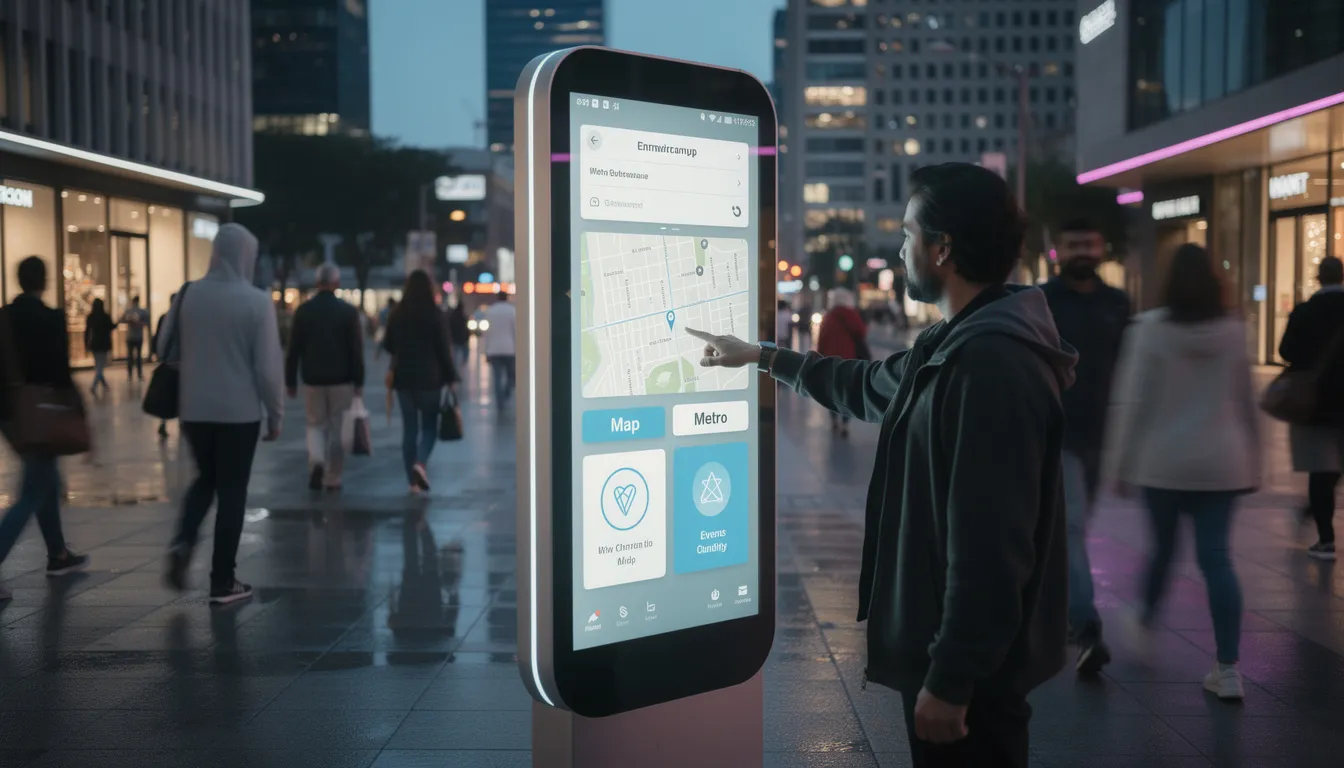
These displays come in several common formats. Wall-mounted LCD and LED screens handle most indoor applications, ranging from small 10-inch room signs to expansive 65-inch lobby installations. Interactive kiosks with touchscreens allow users to explore content at their own pace. Digital menu boards have become standard in food service, while wayfinding totems guide foot traffic in complex buildings. Video walls create high-impact visual experiences in spaces where a single screen simply won’t do.
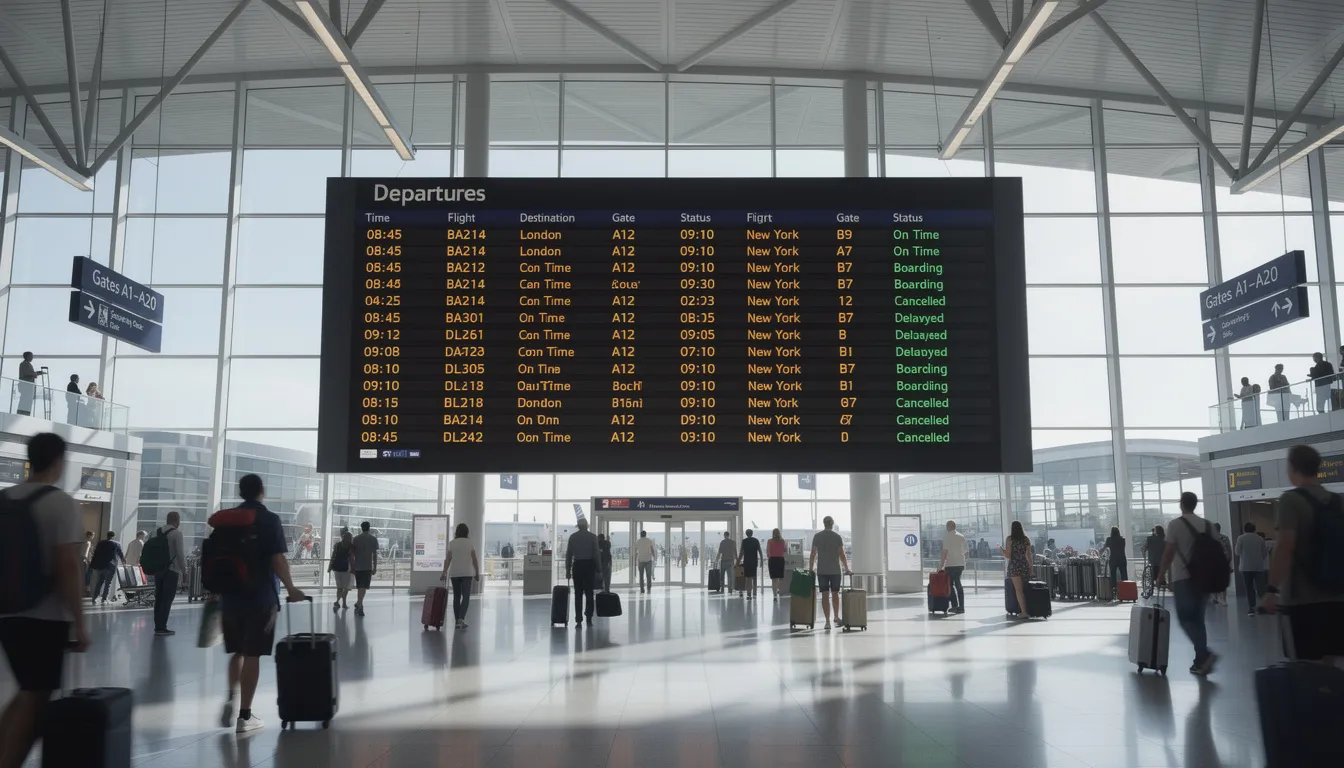
You’ll find informational displays in nearly every sector today. Retail stores use them to share product details and promotions. In education, schools and universities use informational displays to show schedules, campus maps, and emergency alerts, with features like 24/7 operation and interactivity supporting learning and engagement. Hospitals and healthcare facilities rely on them for wayfinding and patient communication. Transportation hubs—airports, train stations, bus terminals—were early adopters, with digital departure boards appearing in major airports in the early 2000s. Corporate offices, stadiums, city centers, and entertainment venues have all followed suit.
Consider two concrete examples of this evolution. Airport departure and arrival boards were among the first widespread applications of digital displays, replacing mechanical split-flap boards and providing travelers with accurate, instantly updatable flight information. More recently, clinics and medical offices began deploying live queue displays after 2015, showing patients their position in line and estimated wait times—reducing anxiety and freeing staff from constant status inquiries, especially when powered by modern split-flap inspired digital signage platforms.
Core Components of an Informational Display System
Effective informational displays combine hardware, software, content, and connectivity into integrated systems. Understanding each component helps organizations make informed decisions about technology investments and long-term costs.
Hardware: Screens, Kiosks, and Players
Commercial-grade LCD screens remain the workhorse of most deployments. Unlike consumer televisions, these panels are designed for extended operation—often rated for 16 to 24 hours of daily use. LED walls and video walls create larger, more impactful installations where screen sizes exceed what’s practical with a single panel.
Touchscreens come in two primary technologies: projected capacitive (PCAP) for consumer-like responsiveness, and infrared (IR) for larger formats and outdoor applications. Screen sizes range from small 10-inch room signs to 65-inch and larger lobby displays, with the right choice depending on viewing distance and content complexity.
Media players render content and connect displays to the network. These devices range from dedicated hardware boxes to system-on-chip (SoC) solutions built directly into commercial screens. Modern Android-based or embedded players support 4K content as of 2024, handling video, animations, and digital split-flap departure board motion layouts without difficulty.
Mounting and enclosure considerations shape deployment options. Portrait orientation suits wayfinding and menu applications. Landscape works better for dashboards and presentations. Floor-standing totems provide flexibility in open spaces. Outdoor-rated enclosures protect screens from weather and temperature extremes for 24/7 operation.
Software: Content Management and Remote Control
A cloud content management system (CMS) serves as the brain of any display network. These platforms handle scheduling playlists, pushing content updates, and organizing screen layouts. The best systems make it simple for non-technical staff to update text, images, and videos without risking system stability.
Remote device management capabilities matter at scale. Administrators need visibility into which screens are online, the ability to restart players remotely, and tools for pushing firmware and app updates across dozens or hundreds of devices. Without these capabilities, managing multiple locations becomes a significant operational burden.
Multi-location networks—common in retail chains, healthcare systems, and enterprise offices—require software that handles both centralized control and local customization. Corporate announcements might push to every screen, while individual locations control their own event schedules and local messaging, particularly in airports and retail stores that benefit from Split-Flap TV business signage.
The key is finding a balance between flexibility and governance. Too much control frustrates local teams. Too little creates brand inconsistency and risks outdated or inaccurate information reaching viewers.
Transforming the Customer Journey with Interactive Informational Displays
Interactive displays have fundamentally changed how customers move through a retail experience. From the moment someone enters a store to the point of checkout, these screens serve as guides, product experts, and service representatives—available instantly without a queue.
Interactive Retail Displays
Touch-enabled displays present live product information, real-time inventory levels, and current promotions directly to shoppers. Between 2018 and 2023, major retailers rolled out in-store kiosks at scale, allowing users to browse catalogs, check stock at other locations, and even place orders for home delivery. This shift toward interactive signage puts control in the customer’s hands.
Benefits of Real-Time Updates
Real-time updates make these systems particularly powerful. Real time content updates allow for up-to-date information and dynamic visuals, enhancing engagement and flexibility compared to static signage. Pricing changes propagate instantly. Flash sales can appear on screens the moment they begin. Loyalty offers can trigger based on time of day or even weather conditions outside. The days of printing new signs for every promotion are over.
Self-Service Information
The benefit of self-service information extends beyond convenience. Customers can tap to compare products, read reviews, check size availability, or find alternatives without waiting for staff assistance. This reduces friction in the buying process and frees employees to focus on higher-value interactions.
Imagine a shopper in a clothing department approaching a 55-inch interactive screen near the fitting rooms. With a few taps, they locate their preferred size, confirm it’s in stock at this location, and discover that a nearby branch has additional color options available. The entire process takes thirty seconds and involves zero staff time—a win for customer experience and operational efficiency alike.
Transitioning from retail, informational displays are also revolutionizing the food service industry through self-ordering and dynamic menu boards.
Self-Ordering, Menu Boards, and Transactional Displays
Since around 2010, informational displays have become central to quick-service restaurants, cafés, and food service operations. What started as simple digital menu boards has evolved into comprehensive ordering systems that handle everything from browsing to payment.
Self-Service in Food Service
Digital menu boards on 43-inch to 55-inch screens display live prices, calorie counts, allergen information, and time-sensitive menus. Breakfast items automatically transition to lunch offerings at the appropriate hour. Seasonal promotions appear and disappear without anyone climbing a ladder to swap out printed panels. This dynamic content capability means menus stay accurate and relevant throughout the day.
Self-ordering kiosks with touchscreens take this further by guiding customers through step-by-step ordering flows. These interactive screens show customization options, suggest upsells based on selections, and display order confirmation before payment. The entire transaction happens without staff involvement in the ordering process.
Operational Benefits
The operational benefits stack up quickly:
- Speed: Queue times drop when multiple kiosks process orders simultaneously.
- Accuracy: Customers enter their own orders, reducing miscommunication errors.
- Upsell potential: Screens consistently suggest add-ons that staff might forget to mention.
- Staff reallocation: Employees move from order-taking to food preparation and hospitality.
Consider a cinema or stadium concession stand during a busy event. Digital signage displays show current wait times at each service point, highlight combo offers, and feature limited-time items. Viewers can make decisions before reaching the counter, speeding up transactions and improving throughput during peak periods.
Beyond food service, informational displays play a crucial role in managing large crowds and delivering timely information in public venues.
Informational Displays in High-Traffic Venues and Public Spaces
Stadiums, arenas, theaters, and other high-traffic venues face a unique communication challenge: thousands of people need accurate information simultaneously, and that information changes constantly. Informational displays have become essential infrastructure for managing crowd movement and service discovery in these environments.
Wayfinding in Public Venues
Screens throughout these venues show real-time concessions menus, restroom line status, and directions to seats or exits. During events, attendees can check the nearest food option with the shortest wait or find the quickest route back to their section. This reduces wandering, minimizes congestion at information desks, and improves the overall visitor experience.
Transportation and city environments present similar challenges at scale. Bus and tram stops now feature digital timetables showing live arrival predictions. Railway stations display platform changes in real time, helping passengers adjust without seeking out staff. City information totems—deployed widely in major metros after 2015—provide wayfinding, local business information, and transit options in pedestrian areas.
These systems share one critical capability: the ability to instantly switch to emergency messaging. Evacuation instructions, severe weather alerts, or service disruptions can override normal content within seconds. This dual-purpose functionality makes digital displays far more valuable than traditional signage in safety-critical applications.
A concrete example illustrates the impact. When a major sports arena rolled out interactive wayfinding displays in 2023, help desk inquiries about directions dropped significantly. Visitors used the touchscreen maps to find their seats, locate specific vendors, and identify accessible routes—all without queuing for assistance. The technology paid for itself through reduced staffing needs and improved customer satisfaction scores.
As we move from public venues to more specialized environments, informational displays continue to deliver value in hospitality, healthcare, and corporate settings.
Informational Displays for Hospitality, Healthcare, and Offices
Beyond retail and public venues, informational displays have become standard equipment in hotels, hospitals, and corporate workplaces. Each environment has distinct communication needs, but all benefit from the flexibility and immediacy that digital systems provide. Digital boards can be customized to meet specific business needs, allowing adjustments in size, content, and management tools to align with unique operational requirements.
Hospitality and Visitor Information
Hotel lobby displays serve as digital concierges, providing guests with local guides, event listings, conference room schedules, and transportation options. Rather than printing daily activity sheets or staffing a full-time information desk, properties can present everything on screens that update automatically.
Interactive check-in kiosks reduce front desk congestion during peak arrival times. These kiosks also make it easy for guests to contact hotel staff or access building amenities directly during check-in, streamlining communication and improving the guest experience. Digital concierge boards show restaurant recommendations, spa availability, and real-time weather forecasts. Guests get answers instantly without waiting in line.
Key Guest-Facing Use Cases
- Self-service check-in and room key generation
- Local attraction maps and booking links
- Conference and meeting room schedules
- Shuttle and transportation timetables
- Restaurant hours and reservation availability
In 2022, a major hotel group deployed touch kiosks across its properties specifically to address check-in bottlenecks. The result: shorter queues, happier guests, and front desk staff freed to handle complex requests that require human judgment—outcomes that can also be achieved with real-time split-flap TV hotel communication.
Healthcare Wayfinding and Patient Communication
Healthcare facilities present some of the most challenging wayfinding environments. Sprawling campuses, multiple buildings, and anxious visitors create constant demand for clear, accurate directions. Informational displays address this need at scale.
Digital wayfinding maps appear on interactive kiosks throughout hospitals and clinics. Waiting room screens show queue status, helping patients understand their position without approaching staff. Split-flap style informational displays in public spaces can also rotate public health messages—vaccination reminders, seasonal flu warnings, hand hygiene guidance—between other informational content.
Digital whiteboards at nurses’ stations and outside patient rooms display schedules, precautions, and care team information. These systems use privacy-sensitive design to show relevant details without exposing protected health information to passersby.
Operational Benefits for Healthcare Facilities
- Reduced missed appointments through clear wayfinding
- Better visitor orientation in complex buildings
- Fewer staff interruptions for simple directions
- Consistent delivery of safety messages
When a large medical center replaced static maps with interactive wayfinding kiosks on every main floor in 2021, the improvement was immediate. Visitors found departments faster, and staff reported far fewer interruptions for basic directions. The investment paid off in both efficiency and patient satisfaction.
Corporate Offices and Workplace Communication
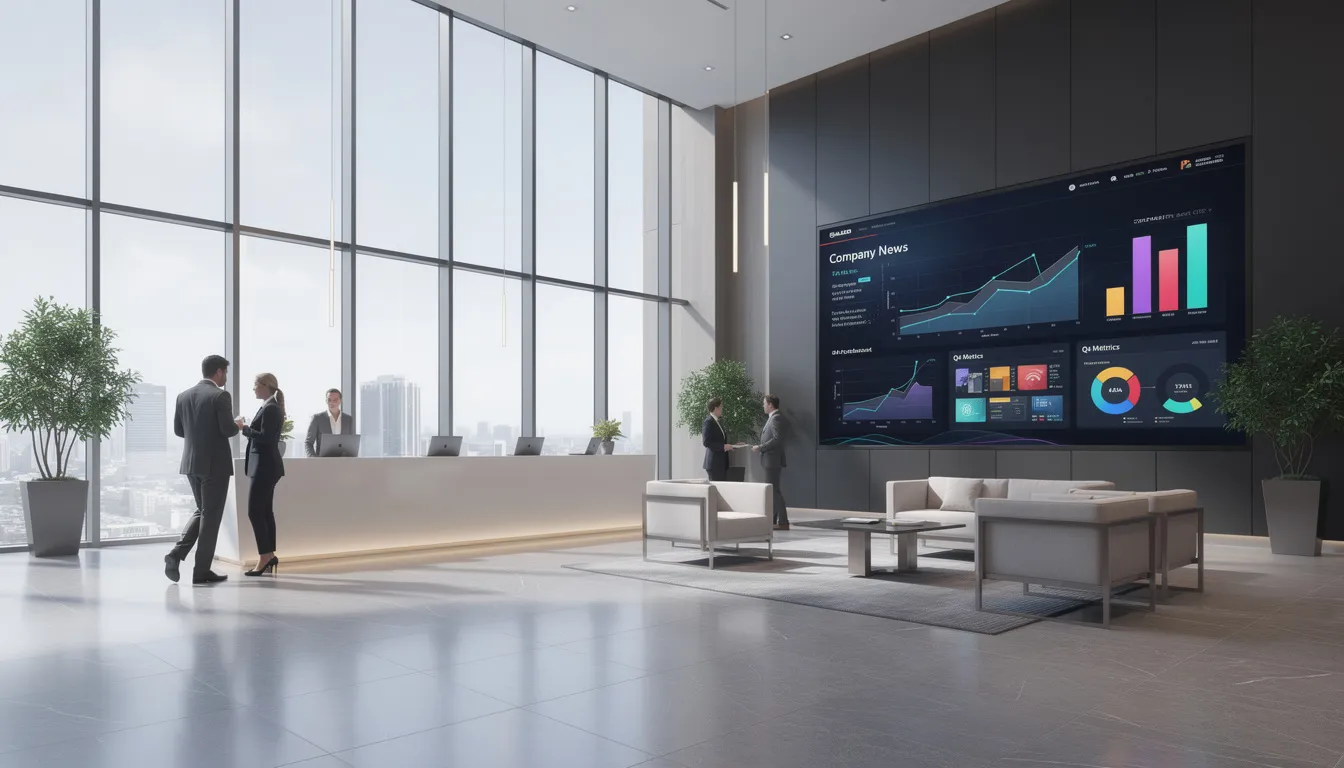
Corporate environments use informational displays to share internal news, KPIs, safety messages, and event schedules. Lobby screens welcome visitors and display company announcements. Break room displays show wellness tips, upcoming events, and team recognition, all of which can be managed centrally through Split-Flap TV’s remote digital signage solution.
Meeting Room Management
Meeting room management represents one of the highest-value applications. Digital signage outside conference rooms shows live availability, upcoming bookings, and often allows on-the-spot reservations. Employees no longer need to check calendars or hunt for available space—the information is visible at a glance. Organizations can implement a custom solution by tailoring digital signage configurations to meet specific workplace needs, without the complexity or cost of fully bespoke systems.
Collaboration screens in meeting rooms serve as informational hubs for whiteboarding, video conferencing, and hybrid meetings. These displays connect remote and in-person participants around shared content, making them essential infrastructure for modern work.
Between 2020 and 2023, many multi-site companies deployed lobby dashboards showing global metrics and company announcements. These screens create a sense of connection across locations and keep employees informed about organizational priorities. The impact on employee engagement is difficult to quantify but consistently positive in internal surveys, especially when companies experiment with digital split-flap display experiences that stand out from standard screens.
With a clear understanding of the environments and applications, it’s important to consider how informational displays leverage data and context to maximize impact.
Audience Awareness, Data, and Contextual Content
Modern informational displays often respond to time, location, and audience context rather than showing static content loops. This intelligence makes screens more relevant and effective, though it raises important questions about data collection and privacy.
Audience Measurement and Analytics
Optional sensors or cameras can estimate viewer counts, dwell time, and basic demographic patterns without storing personally identifiable information. These systems typically work through aggregation—reporting that 500 people viewed a screen yesterday, not tracking any individual.
Aggregated analytics inform content strategy. Organizations learn which messages generate the most engagement, which screens get the most attention, and when viewership peaks. This data drives decisions about what to show and when.
Privacy considerations are paramount. Responsible deployments emphasize anonymization, data minimization, and compliance with regulations like GDPR for EU locations. The goal is understanding aggregate patterns, not surveillance of individuals.
A retail chain might discover through analytics that screens near checkout areas see peak engagement in the late afternoon. Armed with this insight, they schedule their most important promotions for those hours—reaching the largest audience with their highest-priority messages.
Context-Aware and Real-Time Content
Informational displays become truly powerful when content responds to external triggers. Time of day, local weather, queue length, and live data feeds can all influence what appears on screen.
Examples of trigger-based content include:
- Transit delays appearing automatically when feed data indicates disruptions
- Meeting room displays updating to “occupied” the moment a scheduled meeting begins
- Weather-responsive messaging on outdoor city screens
- Menu items disappearing when inventory systems report stock-outs
- Safety messages appearing when sensors detect environmental conditions
Integration with external systems—POS, reservation platforms, calendars, transport APIs—keeps information accurate and live. The goal is showing the right information, on the right screen, at the right moment instead of generic loops that may or may not be relevant.
This contextual approach requires more sophisticated software and system integration, but the payoff in relevance and engagement justifies the investment for many organizations.
With the growing sophistication of digital solutions, it’s helpful to compare digital informational displays with traditional static signage.
Digital vs. Static Informational Signage
Traditional signage—printed posters, static signs, paper directories—still has its place. Permanent labels, emergency exit signs, and compliance postings often work fine in print. But where information changes frequently, old airport board style digital displays and other digital formats offer decisive advantages.
Comparison Table: Digital vs. Static Informational Signage
|
Feature |
Digital Informational Displays |
Static Signage |
|---|---|---|
|
Flexibility |
Instantly update content remotely |
Requires manual replacement |
|
Cost (Long-Term) |
Higher upfront, lower ongoing |
Lower upfront, higher ongoing |
|
Environmental Impact |
No paper waste, uses electricity |
Paper/ink waste, less energy use |
|
Engagement |
Dynamic, interactive, real-time |
Static, non-interactive |
|
Scalability |
Easily managed across locations |
Labor-intensive to scale |
The flexibility gap is substantial. Updating a printed sign requires design, printing, shipping, and installation. Updating a digital display requires a few clicks. For information that changes daily, weekly, or even seasonally, this difference translates into significant labor savings and faster communication.
Total cost of ownership analysis favors digital in high-change environments. Hardware costs more upfront—commercial screens, players, and installation aren’t cheap. But long-term costs for printing, shipping, and staff time to swap physical signage add up quickly. Organizations running frequent promotions or regularly updating schedules often find digital systems cost effective within two to three years.
Environmental considerations cut both ways. Digital displays eliminate paper and ink waste from constantly reprinted materials. However, they consume electricity and eventually become electronic waste. Responsible organizations factor both dimensions into their decisions.
Around 2019, many universities began moving course schedules and event calendars from printed posters to digital boards. The change reduced printing costs, eliminated outdated flyers cluttering bulletin boards, and made it possible to communicate schedule changes instantly. For dynamic information environments like academic institutions, the transition proved worthwhile.
To maximize the benefits of informational displays, organizations should approach planning and implementation strategically.
Planning and Implementing an Informational Display Network
Organizations should plan content strategy, screen locations, and governance processes before purchasing hardware. Technology decisions follow strategy—not the other way around.
Planning Steps
- Define Clear Objectives: Is the primary goal wayfinding? Safety communication? Operational efficiency? Marketing support? Each objective implies different content, placement, and measurement approaches.
- Map Viewer Journeys: Where do people enter? Where do they pause? Where do they make decisions? Where do they get confused? These insights inform screen placement. Visibility matters—a beautifully designed display in a low-traffic corner adds little value.
- Pilot Rollout: Consider a pilot rollout before committing to a full deployment. Starting with one building, one store cluster, or one department lets you test assumptions, work through technical issues, and refine content strategy before scaling across multiple locations.
- Establish Governance: Who owns content? How often do updates occur? What approval workflows ensure information stays accurate and brand-consistent? Without clear answers, displays risk showing outdated information—undermining trust in the entire system.
- Track Meaningful KPIs: Demonstrate value by tracking:
-
Reduced queue times or wait-related complaints
-
Fewer information desk inquiries for routine questions
-
Increased self-service usage at kiosks
-
Higher engagement with key messages
-
Improved wayfinding success rates
- Reduced queue times or wait-related complaints
- Fewer information desk inquiries for routine questions
- Increased self-service usage at kiosks
- Higher engagement with key messages
- Improved wayfinding success rates
These metrics connect display investments to business outcomes that stakeholders care about.
With a solid plan in place, organizations can focus on cost-effective solutions that maximize return on investment.
Cost-Effective Solutions for Informational Displays
For businesses and organizations aiming to enhance customer experience and engagement, cost-effective solutions are essential when implementing informational displays. Interactive digital signage and digital signage displays—such as split-flap TV installations that elevate the hotel guest experience—offer a modern alternative to traditional signage, eliminating the recurring expenses of printing, shipping, and manual replacement. By adopting digital displays, companies can significantly reduce long-term costs while gaining the flexibility to update content instantly across multiple locations.
One of the standout advantages of digital signage is the ability to manage and create different content for various audiences and sites in real time. This means promotions, service updates, and important messages can be tailored and scheduled to appear exactly when and where they’re most relevant—without the delays and costs associated with physical signage changes. Allowing users to control and customize content remotely not only improves communication but also ensures that information remains accurate and timely.
Digital signage solutions are also scalable, making them suitable for businesses of all sizes. Whether you’re managing a single storefront or a nationwide chain, digital displays can be centrally managed, allowing users to promote services, events, and products efficiently. This adaptability, combined with the ability to enhance customer engagement and streamline operations, makes digital signage a cost-effective investment for companies focused on long-term growth and improved communication.
Maintenance and Support for Display Networks
Ensuring the ongoing performance and reliability of digital signage displays requires a proactive approach to maintenance and support. Regular software updates, hardware inspections, and content management are vital for maintaining high image quality and preventing technical issues that could disrupt communication with customers.
Partnering with a trusted service provider can make a significant difference. Comprehensive maintenance packages often include remote monitoring, on-site repairs, and even content creation services, allowing companies to focus on their core business while experts handle the technical details. This level of support helps minimize downtime, keeps displays running smoothly, and ensures that signage continues to engage and inform audiences effectively.
Routine maintenance not only extends the lifespan of hardware but also safeguards the investment in digital signage by maintaining optimal performance and visual appeal. By investing in ongoing support, businesses can maximize the return on their digital signage displays, deliver consistent messaging, and maintain a high standard of customer satisfaction across all locations.
Outdoor Advertising with Informational Displays
Outdoor advertising has been transformed by the advent of digital signage displays and digital billboards, offering businesses a powerful way to reach and engage a broad audience. These displays are designed to capture attention in high-traffic areas, delivering timely and relevant information about products, services, and events to potential customers as they pass by.
Interactive digital signage takes outdoor advertising a step further by allowing users to interact with displays—accessing additional information, exploring promotions, or even participating in on-the-spot surveys or contests. This level of engagement not only enhances the customer experience but also increases the effectiveness of marketing campaigns.
Retailers, event organizers, and service providers can leverage outdoor digital signage to promote sales, highlight upcoming events, and share real-time updates, all while boosting visibility and brand recognition. The ability to update content instantly ensures that messages remain current and relevant, helping businesses stay agile in a fast-paced environment. By integrating outdoor informational displays into their marketing strategy, companies can drive sales, increase customer engagement, and establish a dynamic presence in the public eye.
Video Walls and Large-Scale Display Installations
Video walls and large-scale display installations offer a visually stunning and highly effective way to communicate with customers, visitors, and employees. By combining multiple digital signage displays into a seamless canvas, companies can showcase dynamic content, high-resolution images, and engaging videos that capture attention and leave a lasting impression.
These installations are particularly impactful in environments such as retail stores, entertainment venues, and healthcare facilities, where creating an immersive experience can set a business apart. Video walls can be used to promote products, share real-time information, display safety messages, or provide wayfinding directions—all while enhancing the overall environment and customer experience.
The flexibility of video walls allows companies to tailor content to specific audiences and events, ensuring that messaging is always relevant and engaging. Whether used for entertainment, information, or promotion, large-scale display installations help businesses create memorable experiences, improve communication, and reinforce their brand identity in any setting.
Future Trends in Informational Displays
Informational displays are evolving quickly. New display technologies, smarter software, and deeper integrations are expanding what’s possible—and raising the bar for what audiences expect.
Hardware innovations continue improving image quality and capabilities. Higher brightness and energy-efficient LED technology makes outdoor deployments more practical. Ultra-wide and curved formats create immersive experiences in lobbies and public spaces. Fully outdoor-rated interactive totems withstand weather conditions that would destroy consumer hardware.
Integration with mobile devices extends the display experience beyond the screen itself. Scan-to-continue features let users start an interaction on a public display and finish on their phone. NFC tap points transfer information instantly. QR codes bridge physical and digital experiences. These connections make displays more useful without requiring viewers to complete complex interactions in public spaces.
AI-assisted content optimization is emerging but requires thoughtful deployment. Algorithms can suggest which messages to show when, optimizing for engagement or specific outcomes. However, privacy-aware implementation matters—audiences shouldn’t feel surveilled, and systems shouldn’t manipulate viewers in ways they wouldn’t approve.
Well-designed informational displays are evolving from simple message boards into essential communication infrastructure. Organizations that invest thoughtfully in display strategy today—considering content, technology, placement, and governance together—will be best positioned to improve communication with customers, visitors, and employees for years to come. The screens themselves are just the visible layer; the real value lies in delivering the right information to the right people at the right moment.