
Free Split Flap Boards: When They’re Enough
November 13, 2026 · adi
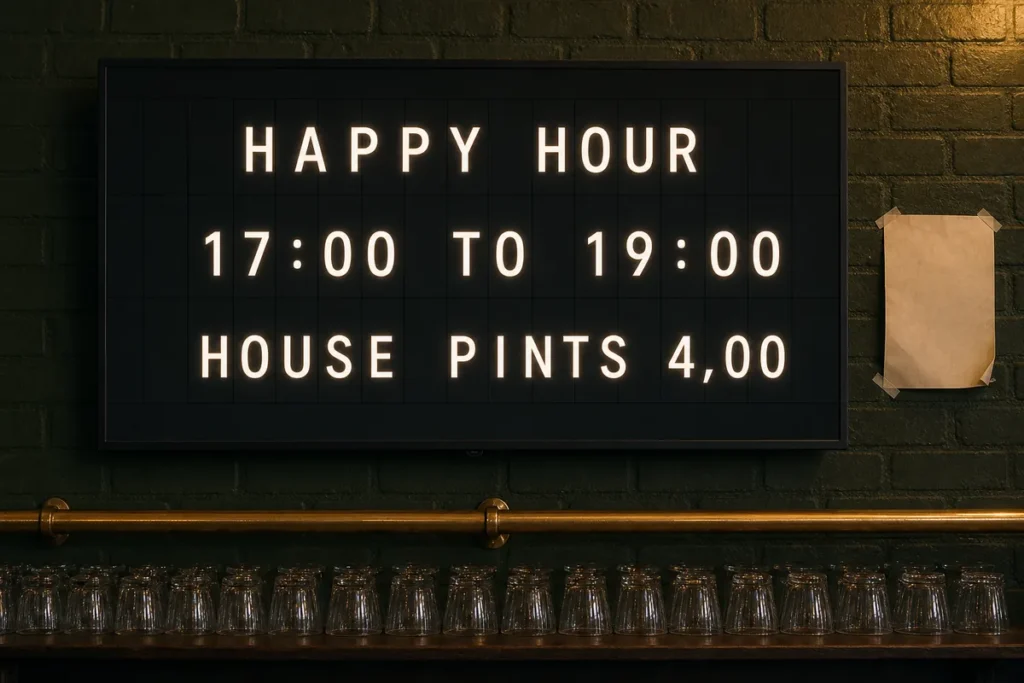
Type “free split flap display” into a search box and you’ll find a few good ones. Festaboard. FlipOff. splitflap.org. They’re free, they look the part, and for plenty of people they’re all you’ll ever need.
We sell a split flap board for TVs, so you’d expect us to say otherwise. We won’t. Here’s what the free boards do well, what they don’t say they do, and how to tell which side of that line you’re on. Everything below was read from each project’s own page or code on 6 and 12 November 2026.
The short answer
For a home, a party, a weekend event or a laptop plugged into a TV for an evening, a free board is often enough. Use one.
For a TV in a café, a bar, a hotel or an office that has to run all day without anyone touching it, change on a schedule and be checked from somewhere else, look at what the free boards actually promise before you rely on one.
The free ones
Festaboard
A free board that runs in your browser on Vestaboard’s grid, 6 rows of 22 characters, with flap sound and a clock. It’s a solo developer’s project, first seen in March 2026, and it ranks well for “Vestaboard alternative”. If you like the Vestaboard look and want to try it on a screen tonight, it’s a nice place to start.
FlipOff
An open source web app under the MIT licence, built in late March 2026, with about 3,000 stars on GitHub by 12 November. Its README pitches the flip board look without the hardware, for free. It works offline with no dependencies, and the flap sound is recorded from a real board. You change the messages by editing a file in the code, the browser needs a click before the sound plays, and fullscreen is a key press. A contributed Apple TV port, phone pairing and an admin area were never merged when we looked on 6 November.
splitflap.org
Open source too, with a phone remote you connect by scanning a QR code. It’s the free board that shows up most in Google for plain “split flap” searches. One thing to know: a GitHub issue from September 2026 says boards expire after 24 hours, and the person who raised it forked the project to keep a screen on permanently.
What free gives you
- The look, for nothing. The flip, the characters, often the sound.
- No account. Open a page and go.
- Something to tinker with. FlipOff and splitflap.org are open source. If you code, you can make them yours.
For a birthday on the living room TV or a sign at a weekend market stall, that’s the whole job done.
What a venue should check first
None of these is a reason a free board can’t work in a venue. They’re the questions to answer before you count on one. We haven’t seen any public evidence of free boards failing in venues, so we’re not claiming they do.
- Does it run without a computer or a browser tab open? A web board needs something to open the page and keep it open, all day.
- Does the sound play on its own? Browsers usually block sound until someone taps or clicks the screen.
- Can staff change it from a phone, from anywhere? Not just on the same Wi-Fi, and not by editing code.
- Does it change on a schedule? Breakfast at eight, lunch at noon, happy hour at five, without someone remembering to do it.
- Will it still be there tomorrow? Check whether a board expires or needs setting up again.
- Can you run several screens from one place? Same board on all of them, or a different one on each.
- Can you see what’s on the TV when you’re not there? Is it on? Is it showing the right thing?
- Is there someone to ask, and an invoice for the accounts?
If you answer “doesn’t matter” to most of those, stick with free.
The cheap ones in between
Two paid options sit between free and us, and they’re worth knowing about. Split-Flap Board is an Apple app: free, with a premium unlock for USD 0.99 once. It runs on Apple TV, iPhone, iPad and Mac, with scheduling and live weather, but each device runs on its own and you edit on the same network. KarmaBoard is a browser player at USD 9.99 a screen a month; its own FAQ says it has no built in scheduling and that smart TVs get simpler animations. Prices as each listed them on 12 November 2026.
Where Split-Flap TV fits
We built it for the TV that has to look after itself. What it does, from our own feature pages:
- A real app on the TV. Apple TV, Google TV, Android TV, Chromecast and most smart TVs with an app store. You pair the screen by scanning a QR code.
- Edit from your phone, from anywhere. Quick edit shows the whole board on your phone.
- Scheduling on every plan. Different boards for different times of day, set once.
- Several screens from one account. One board on all of them or a different one on each.
- See every screen from wherever you are. A heartbeat with the last time each screen reported in, a screenshot of what’s on it whenever you ask, uptime and a display history. It’s all on the screen health page.
- More than text. Colours per line, countdowns and counters on every plan; photos on Business; live data, news and weather on Cockpit.
It costs from €19.99 a month per screen, which is more than free, so it has to earn it. The split flap display cost guide puts every option side by side, free boards and mechanical ones included. If you were weighing up a mechanical board, the Vestaboard alternative page covers that.
So which one?
A screen at home, or a one off? Use a free board and enjoy it.
A business screen that has to run every day, change on its own and be checked from your phone? Try ours on the actual TV for a week and see if it’s worth it. 7 day free trial, no card.
Questions people ask
Is there a free split flap display I can use online?
Yes. Festaboard, FlipOff and splitflap.org all run in a browser for free. Our own board maker and countdown maker are free in the browser too.
Can I show a split flap board on my TV?
Yes. Open a free board in the TV’s browser or on a laptop plugged into the TV, or install an app like Split-Flap TV on the TV or a streaming device.
What’s the catch with free boards?
There isn’t one for home use. For a venue, check the list above: running all day on its own, sound, phone editing, scheduling, several screens and seeing the screen from somewhere else.
Is a TV board as good as a real Vestaboard?
Different thing. A Vestaboard has real flaps and real sound; a TV has colour, photos and any size. We compared them in Vestaboard or a TV.