
If you manage or own a restaurant, you already know that on-screen communication has become essential in 2025–2026. This guide is specifically crafted for restaurant owners and managers who want to improve guest communication and elevate the dining experience through digital signage. We focus on how Split-Flap TV and digital signage solutions can transform your restaurant’s environment, streamline operations, and create memorable moments for your guests.
Why does this matter? In today’s competitive hospitality landscape, restaurants must deliver clear, engaging, and on-brand communication to stand out. Digital signage not only keeps your messaging fresh and dynamic but also enhances the overall guest experience—helping you boost sales, reduce manual labor, and reinforce your unique brand identity.
What are Split Flap displays?
Split Flap displays are used in restaurants to create engaging menu displays and announce daily specials. Their nostalgic design and unique movement and sound attract attention and enhance the ambiance of restaurants and bars. These displays can be customized to fit various branding needs, making them suitable for different hospitality environments.
This guide shows you how Split-Flap TV transforms any standard TV into a retro-inspired split-flap display for menus, specials, queues, and ambience. You’ll find concrete examples here, from happy hour boards to brunch menus, along with step-by-step setup instructions that take under 10 minutes. Let’s explore how to choose screens, design content that boosts orders, and create a guest experience that feels intentional rather than improvised.
Why Restaurants Are Upgrading Their Screens in 2025–2026
Guest expectations shifted dramatically after 2020. QR code menus surged from near-zero adoption to over 70% in US full-service restaurants by 2023, and that momentum hasn’t slowed. Instagram and TikTok now influence where 62% of diners choose to eat, according to 2024 National Restaurant Association data. Digital signage adoption grew 25% year-over-year through 2024, and the trend continues as customers expect polished, dynamic displays that match the quality of the food on their plates. Display devices come in various technologies, such as LCD, LED, and OLED formats, allowing restaurants to select the best option for their environment and audiences. Digital displays engage specific audiences within restaurant spaces, helping to attract and interact with groups of viewers—whether regulars, new guests, or event attendees.
Meanwhile, practical pressures keep mounting. Labor shortages have reduced front-of-house staff by 15–20% industry-wide. Inflation-driven food cost volatility—up 4.2% in 2025 per USDA reports—means menu prices change frequently. Oyster prices, for example, can swing 20–30% week to week. Restaurants need to update specials multiple times per day, not once a season.
Traditional chalkboards and printed menus simply can’t keep pace. Manual updates require 30–60 minutes of labor per change, chalk smudges in humid kitchens (with failure rates around 40% in high-traffic spots), and frequent reprints cost small restaurants $500–$2,000 annually. Digital displays solve this by enabling instant updates from a phone in under 30 seconds.
But restaurants don’t just need “another TV.” Generic digital signage designed for retail stores or gas stations looks out of place in a cozy bistro or upscale dining room. Split-Flap TV offers digital flexibility with a timeless, analog-inspired aesthetic—branded communication that feels curated rather than commercial.
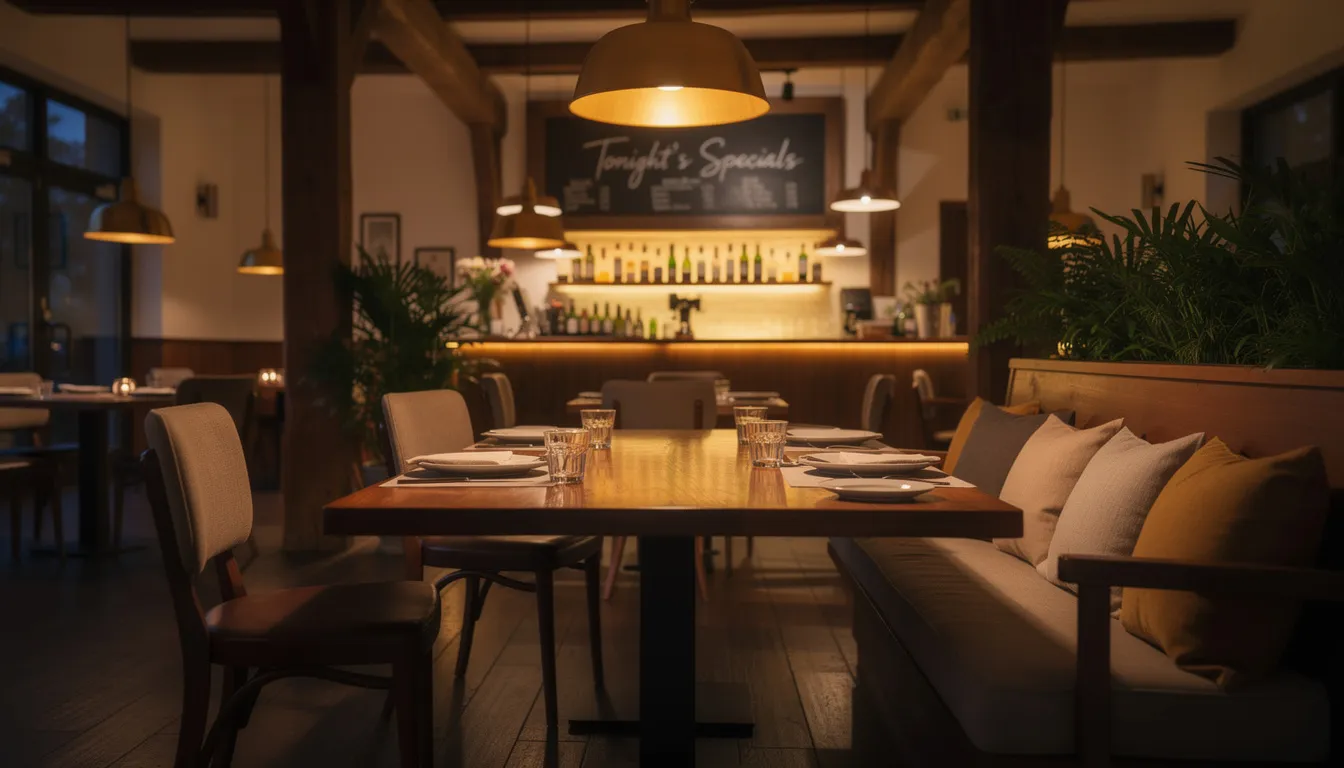
From Chalkboards to Split-Flap TV: How Our Retro-Modern Displays Work
Picture the classic departure boards at Grand Central or a 1960s European train station: rows of rectangular flaps clicking and flipping to reveal new destinations, times, and platforms. That rhythmic motion and distinctive typography created an experience that travelers still remember decades later. Split-Flap TV brings that same split-flap display aesthetic to modern flat screens, no mechanical components required.
What are Split Flap displays?
Split Flap displays are used in restaurants to create engaging menu displays and announce daily specials. Their nostalgic design and unique movement and sound attract attention and enhance the ambiance of restaurants and bars. These displays can be customized to fit various branding needs, making them suitable for different hospitality environments.
The software mimics the precise flip animation, monospace typography, and grid layout of authentic Solari-style boards, but runs as an app on standard TVs, tablets, or media players. Split-Flap TV operates as an app and can integrate with other apps for enhanced functionality, such as weather, social media, and analytics tools. You connect a smart TV or streaming stick (Apple TV, Fire TV, Android TV, Raspberry Pi) to your venue’s internet, install the Split-Flap TV app, and control all content via a cloud-based content management system accessible from any browser. The system is compatible with various operating systems, enabling flexible hardware and software choices for restaurants and other businesses.
There’s no mechanical hardware to maintain. Physical split-flap systems cost $10,000–$20,000 for custom fabrication, motors, and professional installation—plus ongoing maintenance for flap replacements and motor repairs. Modern split flap display boards bridge that gap, and Split-Flap TV eliminates those costs entirely while delivering the same nostalgic impact.
You can operate and configure Split-Flap TV via a computer connected over the network, making it easy to manage displays remotely. Digital signage software like Split-Flap TV is responsible for content creation, scheduling, and management, ensuring your restaurant’s messaging is always up to date.
Getting started is simple:
- 7-day free trial to test during real service
- Subscription tiers (Economy, Business, Cockpit) scaling from single screens to multi-location chains
- Start small with one screen and expand as needed
Key Restaurant Use Cases for Split-Flap TV
Let’s take a rapid tour through concrete, real-world applications. Each use case below shows how restaurants actually deploy Split-Flap TV to serve customers, capture attention, and streamline operations, much like other high-traffic venues that use Split-Flap TV for business signage.
Rotating Daily Specials & Seasonal Menus
Many restaurants now adjust pricing and dishes weekly or even daily based on supply costs and seasonality. When oyster prices swing 20–30% in a single week, your menu needs to keep pace without creating chaos for your team.
Split-Flap TV handles this through scheduled layouts that cycle automatically throughout the day:
|
Time Block |
Content Displayed |
|---|---|
|
11:30–15:00 |
Lunch specials |
|
16:00–18:30 |
Happy hour features |
|
18:30–22:00 |
Dinner menu highlights |
- Schedule these once in the dashboard, then make real-time tweaks from your phone during service.
- Sold out of the halibut? Update in under 30 seconds.
- Price change on the rib-eye? Done before the next table is seated.
The flipping motion itself becomes a marketing tool. When the board transitions from lunch to happy hour, the animation draws every eye in the room—nudging guests to add a starter or dessert at exactly the right moment.
Bar Menus, Tap Lists, and Wine Boards
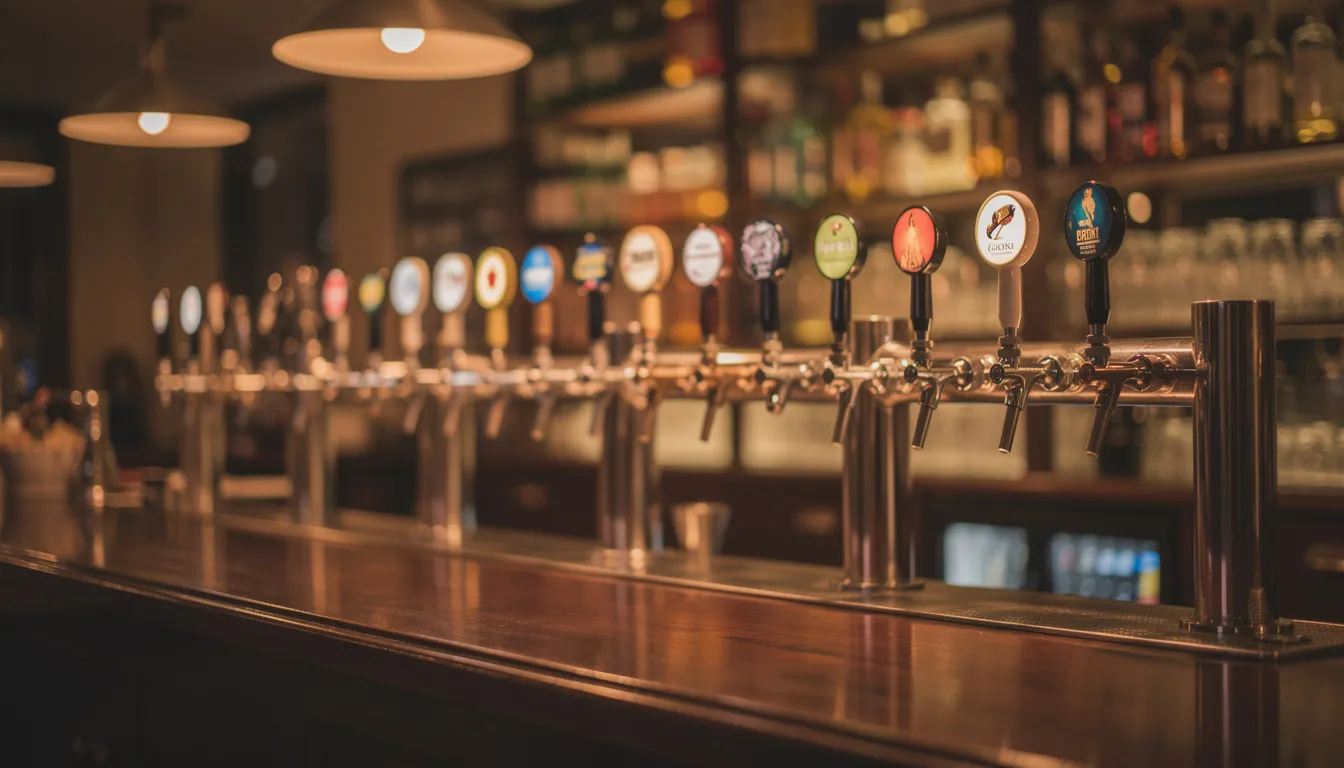
Bars and restaurants with rotating taps or wines by the glass face a constant challenge: keeping lists current. Reprinting paper menus several times weekly is expensive and wasteful. Chalk smudges and erases. Split-Flap TV displays a clean, column-based list in the classic departure-board format.
Consider a 20-tap craft bar in Portland showing:
- Beer name
- ABV percentage
- Price
- Origin/brewery
When a keg kicks and a new one is tapped, the list updates automatically. Different days can have pre-scheduled layouts—“Martini Monday” features cocktails prominently while “Wine Wednesday” highlights by-the-glass pours. Staff doesn’t need to redesign screens; the system handles scheduling.
The retro format suits both speakeasies and hotel lobby bars. It feels “boutique bar” rather than “sports ticker,” delivering dynamic content without the commercial vibe that alienates upscale diners.
Queue, Waitlist, and Pickup Order Boards
Between 2020 and 2024, casual and fast-casual restaurants pivoted between table service, pickup, and delivery. Clear guest communication became essential to reduce frustration and crowding, especially during busy brunch rushes and coffee bar peak hours.
A Split-Flap TV queue board displays:
- First names or order numbers
- Clear statuses: “PREPARING,” “READY,” “PICKED UP”
- Estimated wait times
This replaces staff shouting names across a crowded space. The board can mirror in BOH (kitchen) so cooks see the same progression, keeping FOH and BOH aligned without constant verbal communication.
The flipping animation when an order changes status creates a satisfying, almost theatrical moment for guests waiting. It transforms potential frustration into engagement—that distinctive sound signals progress and builds anticipation.
Events, Live Music, and Special Experiences
Restaurants hosting recurring events—live jazz Thursdays, wine tastings twice monthly, New Year’s Eve set menus—can promote them on dedicated Split-Flap TV panels.
A monthly calendar example for April 2025:
- Taco Tuesday (every Tuesday)
- Trivia Night (Wednesdays at 19:00)
- Cinco de Mayo party details (May 5 preview)
- Mother’s Day brunch reservations open
- Schedule event promotions to appear more frequently during key times like weekend brunch or pre-dinner service.
- The nostalgic board style fits experiential dining perfectly—speakeasies, hotel restaurants, and destination bistros use it as a design feature, not just functional signage.
Events content combines naturally with weather panels. A rooftop restaurant might display: “Rooftop service open – 72°F and clear tonight.” For outdoor venues, this integration keeps communication seamless without staff repeating the same information to every table.
Back-of-House & Staff Communication Screens
Not every restaurant screen faces guests. Some TVs live in the kitchen or staff areas, and they benefit from clear digital communication just as much as front-of-house displays.
Split-Flap TV can show rotating BOH content:
- Daily shift goals (covers, average check targets)
- 86’d items (“Clams, Burrata”)
- Safety reminders
- Staff birthdays and recognition
- VIP alerts (“VIP at 19:30 – Smith party”)
Example: A 120-seat restaurant displays “Tonight’s reservations: 87 covers” alongside real-time 86 updates. The board’s simple, text-first design makes it readable at a glance, even in a noisy, fast-moving kitchen where staff can’t stop to squint at small print.
Owners with multiple locations can push consistent internal messages—new policies, training notes, seasonal menu briefings—to each site’s BOH board instantly from the central dashboard.
Hardware: Using the Screens You Already Have
Good news: you don’t need exotic hardware. Split-Flap TV is purpose built for regular TVs and affordable media players that most restaurants already own or can acquire for under $200.
Most modern restaurants have at least one TV, smart display, or tablet that can be repurposed for signage. The key is choosing the right screen for each location:
|
Venue Type |
Recommended Screen Size |
|---|---|
|
Small café, coffee bar |
32–43 inch |
|
Larger dining room, bar area |
50–65 inch |
|
Host stand, entryway |
Vertical/portrait orientation |
Supported devices include:
- Smart TVs (Samsung, LG paired with compatible players)
- Android TV sticks
- Apple TV
- Amazon Fire TV
- Small form-factor PCs
- Raspberry Pi players
Split-Flap TV handles the processing of content updates and transmits them directly to your display devices, ensuring smooth and reliable operation across all supported hardware, similar to its broader digital signage solutions for professional screens.
The visual style remains consistent across all screen sizes and resolutions. The app automatically scales the split-flap layout to fit, so a 32-inch café TV and a 65-inch dining room display both look polished.
Media Players & Installation in Restaurant Environments
Typical restaurant mounting scenarios include:
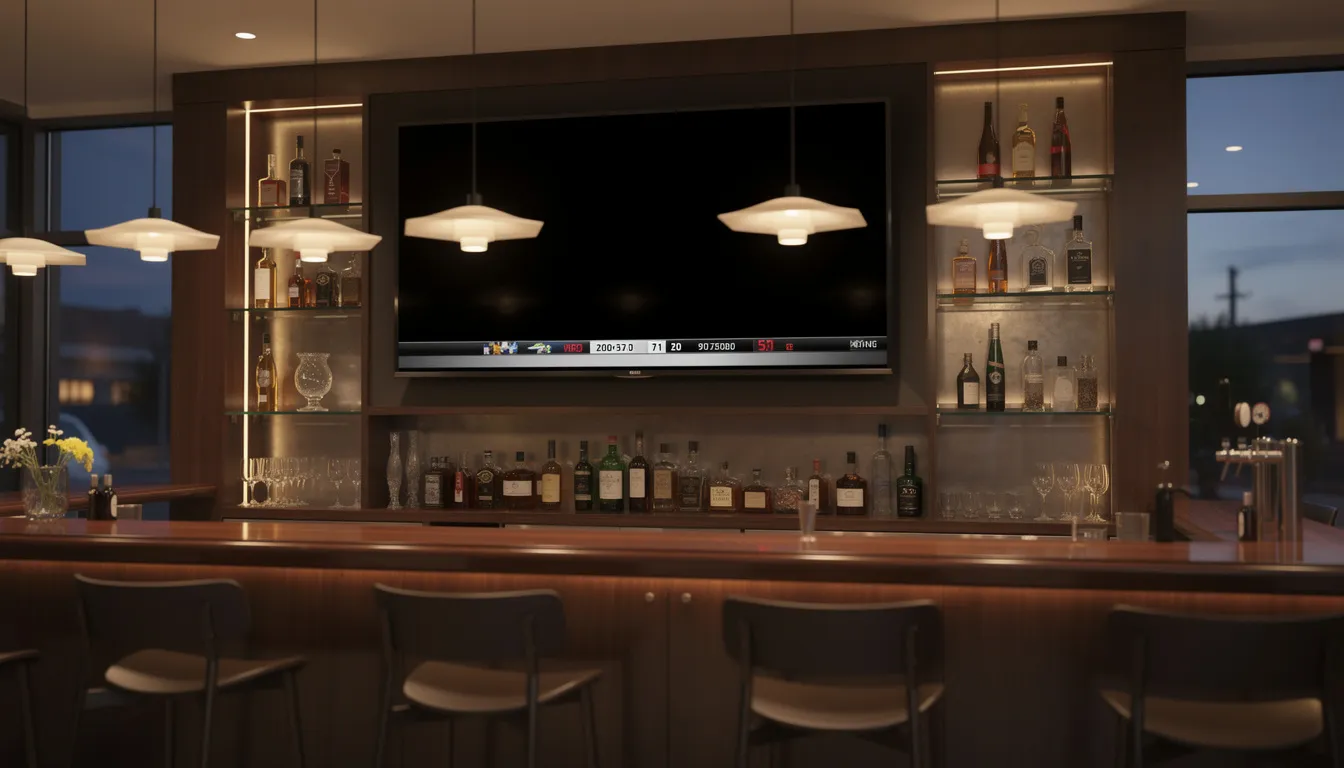
- Wall-mounted above the bar
- Behind the host stand
- Ceiling-suspended facing the entrance
- Portrait orientation near kiosks or pickup areas
Connect a small media player (Android stick, Apple TV, or Raspberry Pi) via HDMI to any standard TV, then join your venue’s Wi-Fi or Ethernet. For restaurants preferring wired connections, Ethernet eliminates Wi-Fi dependency entirely.
Practical installation tips:
- Use commercial HDMI extenders to conceal cables
- Choose commercial-grade mounts rated for continuous use
- Position screens to be visible but not blinding in dimly lit spaces
- Enable automatic start-up so the app launches after power cycles
For 24/7 hotel restaurants or airport concessions, small fanless players operate quietly and handle continuous use without overheating. They’re designed to run around the clock without the maintenance demands of larger displays.
Single Location vs Multi-Location Setups
A single-location restaurant might start with one or two screens—perhaps a menu board behind the bar and a specials display at the entrance. The owner manages everything from a phone or laptop using the intuitive interface.
Networked systems are managed through centralized content management systems (CMS), often cloud-based, enabling remote updates and dynamic content delivery. In contrast, standalone systems operate without a network connection and rely on local media playback.
Groups with multiple locations leverage Split-Flap TV’s central dashboard differently. A regional restaurant group can push chain-wide brunch menus to all eight locations simultaneously while allowing each site to customize local specials based on inventory.
Example workflow for New Year’s Eve 2026:
- Corporate pushes the prix fixe menu to all locations
- Each GM tweaks wine pairings based on local stock
- Different time zones maintain separate schedules
- All changes sync in real time
Higher subscription tiers (Business, Cockpit) support multi-location governance with role-based access. Local GMs update daily specials while regional marketers control brand-wide campaigns—no stepping on each other’s work.
Digital Signage Network: Managing Multiple Screens and Locations
Managing digital signage across multiple screens and locations creates a beautiful choreography of connection—especially for restaurants with several branches, or hospitality groups weaving their presence through bustling public spaces and transportation hubs. That’s where a digital signage network becomes something magical. With a thoughtfully crafted digital signage network, companies can create, nurture, and deliver dynamic content that dances across as many screens as needed, all from a single, delightfully intuitive interface that feels almost alive.
Using free digital signage software or sophisticated digital signage software solutions, organizations discover they can effortlessly breathe life into menus, promotions, and announcements in real time—ensuring a consistent brand story whispers across every location like a familiar melody. Whether you’re orchestrating a single bistro’s intimate atmosphere or conducting a symphony of restaurants across different cities, a digital signage network allows you to touch your digital displays remotely, choreograph content for specific moments or celebrations, and craft messages that speak directly to each unique audience’s heart.
This centralized system becomes especially precious in retail environments, transportation hubs, and other public spaces where capturing wandering attention and conveying timely information feels like an art form. Picture this: a restaurant group can instantly share the joy of a new happy hour special across all locations, or whisper updated allergy information across every screen in mere heartbeats. The graceful flexibility to manage dynamic content at scale not only transforms operations into something beautifully streamlined but also elevates the customer experience—making your brand shimmer with authentic presence in any setting, leaving people with that rare feeling of having encountered something genuinely meaningful.
Software Setup: From Signup to First Restaurant Screen in Under 10 Minutes
Setting up Split-Flap TV doesn’t require IT staff. Many restaurant users complete their first setup between lunch and dinner service, often while prep work happens in the background.
The step-by-step flow for getting started with Split-Flap TV:
- Sign up for a 7-day free trial
- Create your first “board” in the dashboard
- Download the Split-Flap TV app to your chosen screen
- Integrate with other apps for added functionality, such as weather, social media, or analytics tools
- Connect via a pairing code displayed on screen
- Start adding content panels
Installation of digital signage can be straightforward, often requiring just a few steps to set up the hardware and software. Many digital signage systems offer user-friendly interfaces for content management, making it easy for non-technical users to operate them.
The dashboard works from any modern browser (Chrome, Safari, Edge) on Mac, Windows, iOS, and Android devices. Once your screen is registered, drag-and-drop to add panels like “Menu,” “Weather,” “Instagram counter,” and “Clock.”
Restaurant-specific templates help you skip from zero to a usable menu or bar board in minutes. No design expertise required.
Creating Your First Split-Flap Restaurant Board
Let’s walk through creating a “Main Dining Room Board” for a mid-size restaurant with lunch and dinner service.
Step 1: Structure your layout
- Add content blocks in order:
- Restaurant name/logo at top
- Rotating specials section (2-3 items)
- Static favorites or signature dishes
- Bottom line with today’s date and local time
Easy content management features include a user-friendly CMS, drag-and-drop interface, and customizable templates for effortless design.
Step 2: Customize the aesthetic
- Adjust fonts, colors, and layout within the classic split-flap constraints.
- Choose from customizable templates and design options to match your restaurant’s vibe. A 1960s-style bistro might use warmer tones and serif-inspired elements, while a minimal Scandinavian café keeps things stark and modern.
Step 3: Create multiple boards
- Different screens (bar vs. entrance) can have separate playlists while maintaining a consistent visual identity across your digital signage network.
Step 4: Preview before publishing
- Use preview mode in the dashboard to test designs before they go live in the dining room. Catch typos and layout issues before guests see them.
Scheduling Content Around Service & Dayparts
Restaurants naturally operate around dayparts, and Split-Flap TV scheduling mirrors this reality. Create schedule rules once, then let the system handle transitions automatically.
|
Daypart |
Days Active |
Hours |
|---|---|---|
|
Weekday lunch |
Mon–Fri |
11:00–15:00 |
|
Weekend brunch |
Sat–Sun |
10:00–14:00 |
|
Happy hour |
Mon–Fri |
16:00–18:30 |
|
Dinner service |
Daily |
18:30–22:00 |
|
Late-night bites |
Fri–Sat |
22:00–01:00 |
- Schedules adjust for special dates. Valentine’s Day 2026 might feature a dedicated prix fixe board with start/end dates set weeks in advance. Mother’s Day brunch gets its own schedule override.
Automatic time and date panels mean the board always displays current information. Staff never manually “switches the board” again—the system handles it while they focus on service.
Content Ideas Specifically for Restaurants
Think of this section as a brainstorm playbook: high-level ideas and patterns you can turn into on-brand boards immediately. Digital signage for restaurants can include interactive services such as self-service kiosks, which facilitate customer interactions, transactions, and information access. Interactive digital signage allows users to interact directly with displays using input methods like touch or gestures, enhancing the overall user experience and operational efficiency.
Increasing Average Check Size (Upsell Content)
Dedicate one or two panels to suggested add-ons positioned strategically:
- Appetizers before main courses
- Desserts after entrées
- Premium beverage pairings
Example upsell messages:
- “Connection Flight: Add Truffle Fries for $6”
- “Upgrade to Reserve Cabernet – Perfect with Steak Frites”
- “Before We Close the Kitchen: Last Call for Desserts at 21:30”
- Position upsell panels near the bar or in eye-line of seated guests to influence decisions while they wait for food. Studies indicate 12–18% upsell lifts from dynamic content like this.
- Test 2–3 different upsell messages over a month. Track which ones move the needle on average check size, then double down on winners.
Reducing Perceived Wait Times
Use Split-Flap TV at the entrance or host stand to show:
- Estimated wait times
- Clear status updates (“Party of 2 – Boarding Soon”)
- Fun, brand-aligned messages between updates (trivia, dish origin stories)
- Combine wait information with live weather or time-of-day content so guests feel informed rather than ignored.
- Boards can highlight bar-only specials, encouraging guests to grab a drink while waiting for a table—turning wait time into revenue time.
The goal is clarity and calm. The board should lower anxiety, not overwhelm people with information. Simple, readable updates reduce perceived delays by up to 25% in high-traffic spots.
Storytelling & Brand Atmosphere
Split-Flap TV functions as a subtle storytelling device, not just a menu display. Share your restaurant’s founding year, chef’s background, and sourcing philosophy through rotating panels, using the same revolutionary Split-Flap TV approach that blends retro charm with modern flexibility.
Try a “timeline” motif:
- “Departed: 1964 – Our Family’s First Diner Opens”
- “Now Arriving: 2025 – Our Seasonal Farm Menu”
- “Next Stop: Local Farms of Houston”
- Match the pace of flips to your ambience. Slower transitions suit fine dining; faster flips energize lively bars.
- Feature local producers—farms, roasters, breweries—on dedicated panels to reinforce authenticity.
The analog-style board works particularly well in historic buildings, transit-themed interiors, and hotels near transportation hubs. It creates atmosphere while delivering information.
Real-Time Data & Integrations That Matter to Restaurants
Split-Flap TV isn’t just static text. It pulls real-time content into the split-flap layouts, keeping boards “alive” with minimal staff input by processing data feeds and content updates efficiently, all while reviving the classic split-flap display board in a digital form.
Practical integrations restaurant owners actually use:
- Local weather feeds
- Social media counters (Instagram followers, hashtag mentions)
- Current time and date
- Review highlights
- Custom data sources
Split-Flap TV can connect with various third-party apps for enhanced functionality, allowing restaurants to leverage integrations with weather, social media, and analytics tools. Digital signage systems like Split-Flap TV may also incorporate audience analytics or IoT sensors for enhanced content management and context-aware content adjustments.
Most integrations are low-maintenance once connected. The board updates automatically while staff focuses on service rather than manual updates.
Weather, Time, and Location-Based Panels
Adding current time and date panels helps guests anchor their meal:
- Happy hour countdown
- Brunch hours ending soon
- Kitchen closing time
Weather integration pulls local forecast data for messages like:
- “Terrace Open – 78°F and Sunny”
- “Storms at 19:00 – Indoor Seats Boarding Now”
- “Patio Closed Today – Cozy Indoor Seating Available”
For rooftop bars and patio restaurants, weather-aware messages communicate status instantly without staff repeating information to every table.
Seasonal messages triggered by dates keep content fresh:
- “Summer Menu Arrives June 1, 2025”
- “Holiday Prix Fixe from December 15–31, 2025”
These panels keep content feeling dynamic, even during slower dayparts.
Social Media Counters & Campaigns
Display live follower counts or hashtag mentions in the retro airport-board format:
- Instagram followers
- TikTok fans
- Hashtag mention counts
You can also display information from services like Yelp, Tripadvisor, or the World of Mouth app, helping guests find top-rated dining spots and showcasing your restaurant’s reputation directly on Split-Flap TV.
Tie counters to concrete campaigns: “Help Us Reach 10,000 Followers by June 30, 2025 – Tag @YourRestaurantName.”
Social counters placed near bar or entry points gently nudge guests to follow and share. The key is balance—the board should feel on-brand and playful, not like an intrusive ad. Schedule or rotate social panels between menu and specials content.
Team Collaboration and Support for Restaurant Staff
Effective team collaboration represents the foundational rhythm of every exceptional restaurant operation — and digital signage software emerges as an elegant orchestrator for your staff’s collective expertise. With displays thoughtfully positioned throughout your establishments, your team can curate menus, refine daily offerings, and deploy promotions with intuitive precision — eliminating the frantic scramble of reprinting menus or hastily rewriting chalkboards during peak service moments.
Digital signage cultivates an environment where compelling content creation feels both effortless and sophisticated — from sumptuous imagery that captures signature dishes’ essence to dynamic videos that showcase innovative beverages or chef’s seasonal inspirations. The software’s real-time updating capabilities ensure your entire team operates with unified clarity about availability, inventory depletion, and promotional priorities. This seamless communication flow not only elevates operational harmony but also reinforces safety protocols through constantly refreshed guidelines and procedural reminders that mirror your establishment’s commitment to excellence.
For restaurant groups spanning multiple territories, digital signage software enables centralized content mastery while preserving each location’s ability to tailor menus and promotions to their distinct community character. The outcome is a more informed, empowered team whose focus sharpens on delivering transcendent guest experiences — because every team member possesses precise knowledge of menu offerings and messaging priorities that resonate with their particular audience.
Split-Flap TV vs Other Restaurant Display Options
Choosing the right display solution means balancing cost, maintenance, and aesthetics. Let’s compare Split-Flap TV with traditional print options, generic digital signage, and physical split-flap hardware.
Generic digital signage and menu boards often support video walls and multimedia displays, allowing for dynamic video content and large-scale visual presentations. However, these video-centric solutions may not always fit the restaurant’s desired atmosphere or retro aesthetic.
Print Menus, Chalkboards, and Lightboxes
Strengths of traditional methods:
- Low upfront cost
- No power required
- Simple to understand
Common pain points:
- Frequent reprints due to price changes (2–4 hours labor weekly)
- Smudged chalk under humid kitchen conditions
- Inability to show rotating or time-based content
- Annual printing costs of $1,000+
Printed signs are static. Updating a daily special across multiple venues requires physical labor and printing each time. Split-Flap TV reduces waste and manual effort by allowing digital updates from anywhere, instantly.
That said, some analog elements still work well. Keep a wine chalkboard for ambience while using Split-Flap TV for dynamic, high-impact information like rotating specials and queue management.
Generic Digital Signage & Menu Boards
Typical generic digital signage—slideshow images, videos, PowerPoint-style layouts—offers flexibility but often feels out of place in hospitality environments.
Issues with generic solutions:
- Commercial, retail-focused aesthetic
- Complex templates requiring design skills
- Feels like a gas station or QSR, not a bistro
- Often requires agencies to look polished
Split-Flap TV offers a focused alternative: a single, iconic visual language that looks good with minimal design work. The retro aesthetic matches nostalgic or design-forward interiors without requiring graphic design expertise.
Split-Flap TV can coexist with other signage. Use a standard TV for sports while running a dedicated board for menus and specials on another screen.
Physical Split-Flap Hardware vs Digital Split-Flap TV
Physical split-flap displays—electro-mechanical boards like those in airports and train stations—deliver undeniable impact. They’re built with durable aluminum flaps and electromagnetic actuators designed to last decades.
The catch:
- Small configurations start in mid-five-figure range ($10,000–$20,000+)
- Professional installation required
- Ongoing maintenance (flap replacements, motor repairs)
- Custom fabrication for each installation
- Limited flexibility for layout changes
Split-Flap TV delivers the visual and emotional impact without motors, moving parts, or massive upfront capital. It’s designed as an affordable split-flap board solution that makes it easy to rearrange layouts, add weather and social counters, and schedule dayparts—all without hardware changes.
For venues that love the retro aesthetic but need a practical, budget-friendly, and scalable solution, Split-Flap TV is the clear choice.
Pricing, Trials, and Choosing the Right Plan
Split-Flap TV operates on a subscription model with tiers designed for different restaurant sizes and complexity.
The 7-day free trial requires no long-term contract. Test during a normal service week to see how guests respond and how easily staff adapts.
Subscription tiers:
|
Tier |
Designed For |
|---|---|
|
Economy |
Single cafés, small bars, single-screen setups |
|
Business |
Full-service restaurants, multiple screens |
|
Cockpit |
Multi-location groups, hotels, chains |
Estimating ROI:
- Reduced printing costs ($500–$2,000 annually)
- Increased average check size from upsells (12–18% lifts reported)
- Time saved updating menus (15–20% reduction in manual labor)
Screens can be added or removed as restaurants remodel, expand, or open seasonal pop-ups. The subscription scales with your business.
Measuring Success: KPIs and ROI for Restaurant Digital Signage
To truly grasp the heartbeat of digital signage in your restaurant—that magical intersection where technology meets human desire—it becomes essential to feel the pulse of key performance indicators and witness the blossoming return on investment. Digital signage software doesn’t just provide cold data and analytics; it offers a window into the soul of guest engagement, allowing you to observe how content dances with customer emotions and shapes their dining journey in ways that feel almost alive.
Picture this: you craft a visual love letter promoting a new dish or cocktail—something that makes mouths water and hearts race—then watch as the sales data unfolds like a beautiful story, revealing whether your digital storytelling sparked an increase in orders. Engagement metrics become personal conversations: how often guests lean in to touch kiosks, how they respond to those perfectly timed upsell whispers, what content makes their eyes light up with genuine interest. By tenderly reviewing this treasure trove of human behavior, restaurants can nurture their marketing strategies with the care of a master chef, sculpting menu layouts that feel intuitive and ensuring every screen becomes a meaningful touchpoint that guests actually cherish.
Digital signage software also becomes your vigilant guardian—monitoring the health and heartbeat of your displays with the dedication of a caring steward, ensuring content feels fresh and alive while screens hum along with smooth, reliable precision. By embracing measurable outcomes that truly matter—increased sales that reflect genuine guest delight, improved engagement that feels authentic and warm, reduced manual labor that frees staff to create memorable moments—restaurants can paint a clear, compelling picture of their digital signage investment’s return and craft future campaigns with the confidence that comes from understanding what makes their guests’ hearts sing.
Implementation Checklist for Your Restaurant
Follow this sequence when rolling out Split-Flap TV:
Pre-Setup:
- Inventory existing screens (TVs, tablets, media players)
- Choose locations for boards (dining room, bar, host stand, BOH)
- Search for optimal screen placement and calibrate system to ensure accurate display alignment
- Decide primary use cases (menu, bar list, queue, events)
Setup:
- Sign up for 7-day free trial
- Create first board using restaurant templates
- Install app on chosen devices
- Connect via pairing code
- Test content during off-hours
Launch:
- Schedule soft launch (one weekday evening)
- Observe guest responses and gather staff feedback
- Adjust layouts based on real-world performance
Operations:
- Create SOP: Who updates specials? Who manages schedules?
- Document troubleshooting steps (Wi-Fi drops, power cycles)
- Take photos of boards for marketing and social media
- Review and optimize content monthly
Future of Digital Signage in Restaurants
The future of digital signage in restaurants feels wonderfully alive—a convergence where cutting-edge technology meets the deeply human need for connection and delight. As digital displays become more sophisticated and emotionally intelligent, features like artificial intelligence, augmented reality, and IoT integration create experiences that feel almost magical—thoughtful, intuitive, and refreshingly personal. Picture digital menus that seem to understand your cravings, or kiosks that respond to your touch with the kind of graceful precision that makes you pause and smile.
With guests increasingly connected through mobile devices and social media, digital signage transforms into something more meaningful—a bridge that connects the tactile, in-the-moment restaurant experience with the broader digital conversations happening beyond these walls. Purpose-built solutions emerge not just as functional tools, but as carefully crafted experiences that understand the unique rhythm and soul of food and beverage businesses—dynamic menu boards that feel alive with possibility, immersive brand experiences that capture attention and nurture genuine loyalty.
As digital signage continues to evolve with this kind of thoughtful intention, restaurants discover opportunities that feel both revolutionary and deeply human—engaging media that tells stories, streamlined operations that create space for meaningful moments, and connections with customers that transcend simple transactions. Whether you’re updating menus with real-time freshness, launching interactive kiosks that invite exploration, or creating those unforgettable moments with displays that command attention and spark conversation, digital signage reshapes not just how restaurants operate, but how guests truly experience dining—regardless of whether your business feels intimate and cozy or grand and ambitious.
How to Get Started with Split-Flap TV in Your Restaurant
You’ve seen how restaurants across the country are using Split-Flap TV to modernize guest communication without sacrificing warmth or character. The benefits are clear:
- Fast setup: From signup to live board in under 10 minutes
- Nostalgic design: Fits hospitality environments, not gas stations
- Real-time updates: Change menus from your phone during service
- Flexible plans: Start with one screen, scale to multiple locations
Start your 7-day free trial during a real week of service. Schedule it for a typical Tuesday-through-Sunday stretch and watch how guests respond. Begin with one screen—your bar or entrance—to prove value before rolling out to additional locations or back-of-house.
As restaurants continue evolving in 2025–2026, clear and on-brand communication becomes increasingly essential. Split-Flap TV provides a simple, charming way to deliver that communication—keeping your message clear, your brand consistent, and your guest experience unforgettable.
Explore Split-Flap TV and start your free trial today.