
Your lobby speaks before anyone at your front desk says a word. A digital welcome screen, also known as a digital display, transforms that silent moment into a branded, informative, and personalized greeting that tells visitors exactly where they are and that they’re expected. Digital displays offer flexibility in various settings such as hotel lobbies, offices, and events, allowing you to showcase information, updates, and advertisements while strengthening your brand presence. Whether you’re running a corporate office, hotel, clinic, or university campus, the right screen setup can reduce confusion, cut front-desk interruptions, and make every guest feel like a VIP. Digital welcome screens can also enhance the experience for customers by providing useful information and creating a positive ambiance, which improves overall satisfaction.
This guide walks you through everything you need to know about digital welcome screens—from choosing hardware and software to designing content that actually works. While digital screens require an initial investment, they eliminate ongoing printing costs compared to traditional signage, making them a cost-effective solution in the long run.
What is a Digital Welcome Screen?
A digital welcome screen is a TV or display positioned in your reception area or lobby that greets visitors, shows meeting schedules, displays wayfinding information, and communicates your brand identity. As a digital welcome sign, it is part of a broader digital signage solution, providing an engaging and informative sign that enhances the visitor experience. Think of it as a 24/7 receptionist that never takes a break.
These screens can take several forms depending on your space and budget. A single 43–65” commercial display mounted opposite the entrance is the most common setup, but you might also see welcome screens as interactive kiosks near elevators, compact tablets at the reception desk, or even video walls in large corporate foyers. Reception areas are a key location for digital welcome screens, but the key is matching the format to your traffic flow and communication goals.
Typical hardware for a digital welcome screen includes:
- Commercial-grade LCD or LED display (43–65” for most lobbies)
- Media player (Android box, Windows mini PC, ChromeOS device, or System-on-Chip display)
- VESA-compatible wall mount positioned at eye level
- Ethernet or Wi-Fi connectivity for content updates
- TVs, monitors, and kiosks can all be used to display digital welcome screens
Digital welcome screens can display any media or file format, including text, images, PDFs, videos, and web pages.
Common use cases span multiple industries:
- Office lobby reception greeting clients arriving for scheduled meetings
- Hotel front desk displaying check-in prompts and nostalgic, personalized guest messages with Split-Flap TV and local attraction information
- Hospital visitor registration area showing queue numbers and wayfinding
- University entrances featuring lecture schedules during open days
Why First Impressions Matter in Your Reception Area
Research suggests visitors form judgments about a space and its organization within as little as 7 seconds of entering. That’s barely enough time to scan the room, yet it’s when lasting impressions are formed. A dynamic, branded digital display immediately signals that your organization is modern, organized, and prepared for their arrival.
Compare that to a printed poster taped to a wall or a whiteboard with smudged handwriting. The difference isn’t subtle. Digital signage welcome boards communicate professionalism in a way static materials simply cannot match. By customizing digital signage to match your brand identity and using templates or personalized content, you create an engaging experience that captivates guests and leaves a lasting impression. They also deliver real-time information—today’s meetings, current weather, live transport updates—that keeps content relevant and useful.
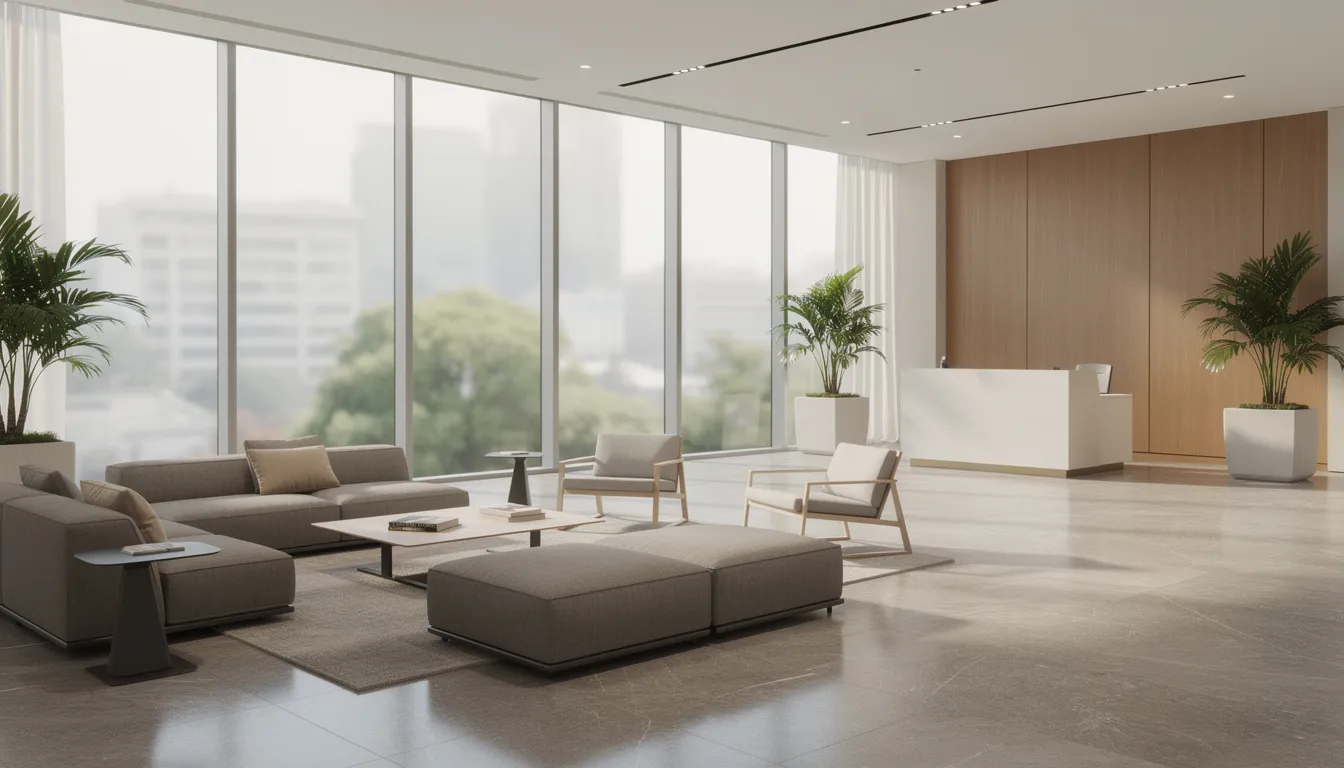
The tangible benefits extend beyond aesthetics. A New York law firm implemented lobby screens integrated with their Outlook calendars to greet clients by name upon arrival. Post-visit surveys showed a 15% boost in client satisfaction scores. Meanwhile, front-desk staff reported significantly fewer directional questions, freeing them to focus on higher-value interactions.
Top benefits of a welcoming digital display:
- Professional, polished aesthetic that reinforces your brand
- Clear, up-to-date information reducing visitor confusion
- Lower perceived wait times through engaging content loops
- Fewer interruptions at the reception desk
Digital displays have a recall rate of 83% among viewers, and 8 out of 10 customers enter a store due to a digital sign.
Core Uses of a Digital Welcome Screen
Every effective welcome screen covers a consistent set of content types that visitors actually need. The goal is to inform, reassure, and guide—not to overwhelm with marketing messages.
Essential content types for your digital welcome screen:
- Personalized welcome messages: “Welcome, Jane Smith from ACME Ltd – Your 2 PM meeting awaits in Conference Room B”
- Daily meeting schedule: “9:30 AM – Project Phoenix Kickoff – Room 3.12” with host names and room allocations
- Building directory: Interactive or static maps showing floor layouts and key destinations. Interactive directories can also provide additional information about employees, services, or amenities to help visitors connect and improve their experience.
- Safety information: Emergency exit diagrams, muster point locations, and evacuation procedures
- News and weather: Local 3-day weather forecasts, live news tickers, or transport departure times
- Promotional content: Company news, recent awards, customer testimonials, or sustainability initiatives
Digital signage can also serve as a virtual receptionist, allowing visitors to register, print ID badges, and notify employees of guest arrivals.
Content should rotate automatically in a loop of 30–120 seconds per slide. Each slide needs clear, large typography readable from across the lobby. Visitors aren’t stopping to read paragraphs—they’re glancing while walking. Keep messages to one focal point per slide with bold headings and minimal text.
Where to Place Digital Welcome Screens
Placement determines whether your screen gets noticed or ignored. The best location is where visitors naturally look upon entering, typically directly opposite the entrance doors at a distance of 4–6 meters.
Optimal locations for digital screens:
- Main lobby directly facing entrance doors (your “hero” display)
- Reception desk backdrop wall for brand reinforcement
- Elevator lobby for wayfinding and floor directories
- Waiting areas outside meeting rooms for targeted schedules
- Hotel foyers for real-time operational updates and check-in prompts and local guides
- Clinic waiting rooms for queue information and high-visibility split-flap style announcements and health tips
- University faculty entrances for lecture schedules and campus maps
Your primary screen should carry the strongest brand visuals and most essential information—greetings, schedules, and directions. Secondary displays can focus on wayfinding, internal updates, or department-specific content.
Mounting guidelines:
- Position the center of the screen at 150–160 cm (59–63 inches) from the floor to align with standing viewer sightlines
- Use anti-reflective coatings or recessed positioning to minimize glare from windows
- Choose landscape orientation for broad announcements, portrait for directories
- Prefer Ethernet connections over Wi-Fi for reliability in high-traffic environments
Key Features to Look For in Digital Welcome Screen Software
Software transforms a basic TV screen into an intelligent communication system that updates itself. Without the right digital signage software, you’re left manually swapping USB drives or displaying static slides that quickly become outdated.
Must-have features for welcome screen software:
- Drag-and-drop content editor: Non-technical staff should be able to build playlists from templates without design experience
- Calendar and room booking integration: Pull visitor names, meeting titles, and room allocations directly from Microsoft 365 or Google Calendar
- Time and day scheduling: Display different content during business hours (7:30–19:00 weekdays) versus after hours or weekends
- Remote device management: Monitor, manage online/offline status, force restarts, and push updates from anywhere
- Templates for welcome messages: Pre-built layouts for common greeting formats that can be customized with your brand
- Video and live data support: Embed MP4 videos, weather APIs, news tickers, or dashboards from tools like Power BI
- User permissions and approval workflows: Control who can edit, publish, or schedule content to prevent unauthorized changes
A cloud-based Content Management System (CMS) allows you to manage and update digital signage content in real time from anywhere.
Calendar integration is particularly valuable. When a meeting is booked with external guests, the screen can automatically display “Welcome, Jane Smith from ACME Ltd – 10:00 AM – Room 3.12” without anyone typing a single character.
Reliability features to prioritize:
- Offline playback caching 24–48 hours of content if connectivity drops
- Automatic restart on power loss
- Proof-of-play logs verifying content displayed as scheduled
- Simple monitoring dashboard showing last update time and device status
How Digital Welcome Screens Work: From Content to Display
Understanding the basic chain helps you troubleshoot issues and plan deployments. The flow is straightforward: content software → media player → display.
The screen itself is driven by a small computing device connected to your network. This could be an Android-based media player, an Android TV or Google TV television, an Apple device, or increasingly, a commercial display with an integrated System-on-Chip (SoC) that eliminates the need for external hardware. SoC displays have become popular because they reduce cabling complexity and theft risk while simplifying installation.
Content is created in a web-based dashboard where you upload assets, arrange them into playlists, and assign playlists to specific screens or screen groups. Both hosts and users can easily access and control content, browse curated information, and interact with digital displays to enhance the visitor experience. Once published, content syncs to the media player over the network and displays according to your schedule. If the internet connection drops, the player continues showing cached content until connectivity returns.
Supported content formats typically include:
- JPEG/PNG images for static slides and announcements
- Live text feeds via RSS for news tickers or transport updates
- Live text and data dashboards for real-time split-flap TV information displays
- Custom animations and digital split-flap display transitions for engaging presentations
- Dynamic text and graphics supported by modern digital signage platforms like Split-Flap TV for personalized messaging
Note: Using motion graphics or videos instead of static images can capture up to 400% more views.
The three-step process:
- Create: Upload and arrange assets in the web dashboard
- Schedule: Assign content to screens with time and day rules
- Display: Content plays automatically according to your schedule
Setting up a digital welcome screen can be done quickly using digital signage software with customizable templates.
Digital Welcome Screen Content Ideas
A simple “Welcome” slide gets stale fast. Varied, fresh content keeps visitors engaged and demonstrates that your organization pays attention to details.

Effective content ideas for your welcome screen:
- Named visitor greetings with date, company logo, and meeting time
- Today’s meetings showing times, hosts, and room allocations
- Building or campus map with floor directories and key landmarks
- Emergency exit diagrams showing muster point locations
- Cafeteria menu with serving times and dietary options highlighted
- Live transport departures for nearby subway, bus, or train stations
- Local weather forecast for the next 3 days
- Social media wall featuring curated posts from company accounts
- Customer testimonials with company names and dates
- Awards, certifications, or industry recognition badges
- Company news highlights or recent press mentions
- Sustainability metrics or ESG dashboard snapshots
Mix static content (logos, brand values, safety info) with dynamic elements (weather, schedules, social feeds) so the loop feels alive without overwhelming viewers. A good ratio is roughly 70% informational content, 20% promotional, and 10% engaging elements.
Keep each slide focused on one message. Use short phrases and clear headings—nobody reads paragraphs from across a lobby.
Interactive Features and Directories
Modern digital signage welcome boards are no longer just passive displays—they can be transformed into powerful interactive tools that elevate the visitor experience from the moment guests step into your lobby. By integrating interactive features and directories, businesses can offer a self-service solution that empowers visitors to access essential information quickly and efficiently.
Interactive screens allow guests to explore building maps, browse meeting schedules, and discover available services at their own pace. This not only enhances the guest experience by providing immediate answers to common questions but also frees up employees to focus on more critical or personalized tasks, reducing bottlenecks at the reception desk.
With advanced digital signage software, organizations can create custom greetings, dynamic welcome messages, and interactive directories tailored to their specific audience. For example, in healthcare facilities, interactive directories help patients and visitors navigate complex buildings, locate doctor’s offices, and access up-to-date health information—all from a single digital screen. In office lobbies, interactive features can showcase company services, display real-time event schedules, or provide contact details for key departments.
The flexibility of digital signage software means you can easily update content, incorporate new features, and adapt your interactive screens to meet changing needs. Whether you’re welcoming first-time visitors, guiding patients through a hospital, or helping guests find their way to a conference room, interactive directories and features ensure everyone feels informed, welcomed, and in control of their experience.
By embracing interactive digital signage, you not only streamline communication but also demonstrate a commitment to innovation and guest satisfaction—making a lasting impression that sets your business apart.
Personalization and Automation for Visitor Greetings
Few things make guests feel more valued than seeing their name on screen when they arrive. A personalized greeting like “Welcome, Jane Smith from ACME Ltd – 6 March 2026” transforms an anonymous waiting experience into something memorable.
Personalization works by pulling data from sources you already use. Calendar invites contain guest names and companies. Visitor management systems track expected arrivals. CRM exports can sync guest lists via CSV files each morning. The screen software matches this data against scheduled times and displays the appropriate greeting automatically.
A typical workflow looks like this:
- A meeting is booked in Outlook with an external guest’s email and company name
- The welcome screen software syncs with the calendar
- 30 minutes before the meeting, the guest’s name appears on the lobby display
- After the meeting ends, the personalized greeting cycles out
The key advantage is automation. Reception staff don’t manually type names or update content—reducing errors and workload. If a meeting gets rescheduled or cancelled, the screen updates automatically.
For privacy, ensure greetings show only names and meeting times, never sensitive details like email addresses, ID numbers, or confidential project names. A fallback message like “External Guest – 2 PM” works when personalization data isn’t available.
Design Best Practices for an Effective Welcome Screen
Legibility and brand consistency are your two primary design goals. A beautiful screen that nobody can read is useless, and a readable screen that looks off-brand undermines your professional image.
Design best practices:
- Use brand colors and logo consistently across all slides
- Keep fonts large—minimum 32–40 pt equivalent on a 55” display for readability from 5 meters
- Maintain strong contrast between text and backgrounds (4.5:1 ratio minimum per WCAG guidelines)
- Limit each slide to one main message to avoid clutter
- Use simple motion with short transitions and 5–10 second slide durations
- Include persistent date/time and location overlays where relevant
- Ensure content remains readable from at least 3–5 meters away
- Choose landscape orientation for announcements, portrait for directories, and explore creative split-flap TV display ideas to enhance visual impact
- Test visibility from various points in the lobby before finalizing
Real brand photography—your offices, teams, and products—creates authenticity that generic stock images cannot match. When stock is necessary, choose images that feel aligned with your industry and audience.
Accessibility matters in public spaces. Avoid embedding important text in fast-moving video. Ensure color combinations work for colorblind viewers. Consider that some visitors may have vision impairments that require high-contrast, large-format content.
Security, Privacy, and Compliance Considerations
Welcome screens sit in public spaces where anyone—visitors, competitors, passersby—can see the content. This visibility creates real security and privacy risks if you’re not careful about what you display.
Practical security and privacy guidelines:
- Never show full ID numbers, confidential project names, or sensitive meeting details
- Anonymize internal metrics (use percentages or indices instead of raw revenue figures)
- Ensure visitor name greetings don’t include email addresses or phone numbers
- Consider GDPR requirements in the EU when displaying any personal visitor information
- Follow HIPAA guidelines in US healthcare settings—never display patient names, conditions, or appointment details on public screens
- Use password-protected dashboards for any interactive content
- Lock down media players by blocking USB ports and preventing desktop access
- Segment your network to isolate digital signs from core IT infrastructure
Industry data suggests approximately 25% of security breaches stem from peripheral devices. Your lobby screen shouldn’t become an attack vector.
Regular content audits help catch compliance issues before they become problems. Schedule quarterly reviews with legal or compliance teams if you’re in regulated industries like healthcare facilities or financial services.
Examples by Industry
Seeing how other organizations use digital welcome screens helps clarify what content and layouts work best for different environments.
Office/Corporate HQ: A 55” wall-mounted display in a corporate headquarters lobby rotates through “Welcome visitors” slides, today’s meeting schedule with room allocations, company news highlights, and ESG dashboard snapshots showing sustainability metrics. One law firm reported 25% fewer directional questions after implementing this setup. Digital welcome screens in office settings can also provide important safety instructions interactively to visitors, ensuring everyone is aware of emergency procedures and building protocols.
Hotel: A vertical 50” screen at a city hotel reception displays check-in prompts, local attractions with walking times, and QR codes linking to a digital concierge for booking tours and restaurants. Hotels using this approach have seen 18% higher QR code scan rates for additional services.
Healthcare: A clinic waiting area screen shows queue information with ticket numbers (“Now serving #45”), doctor availability, health tips, and emergency guidance. Digital welcome screens in healthcare environments can deliver safety instructions interactively, helping visitors understand important protocols and emergency procedures. This reduces patient anxiety by setting clear expectations about wait times.
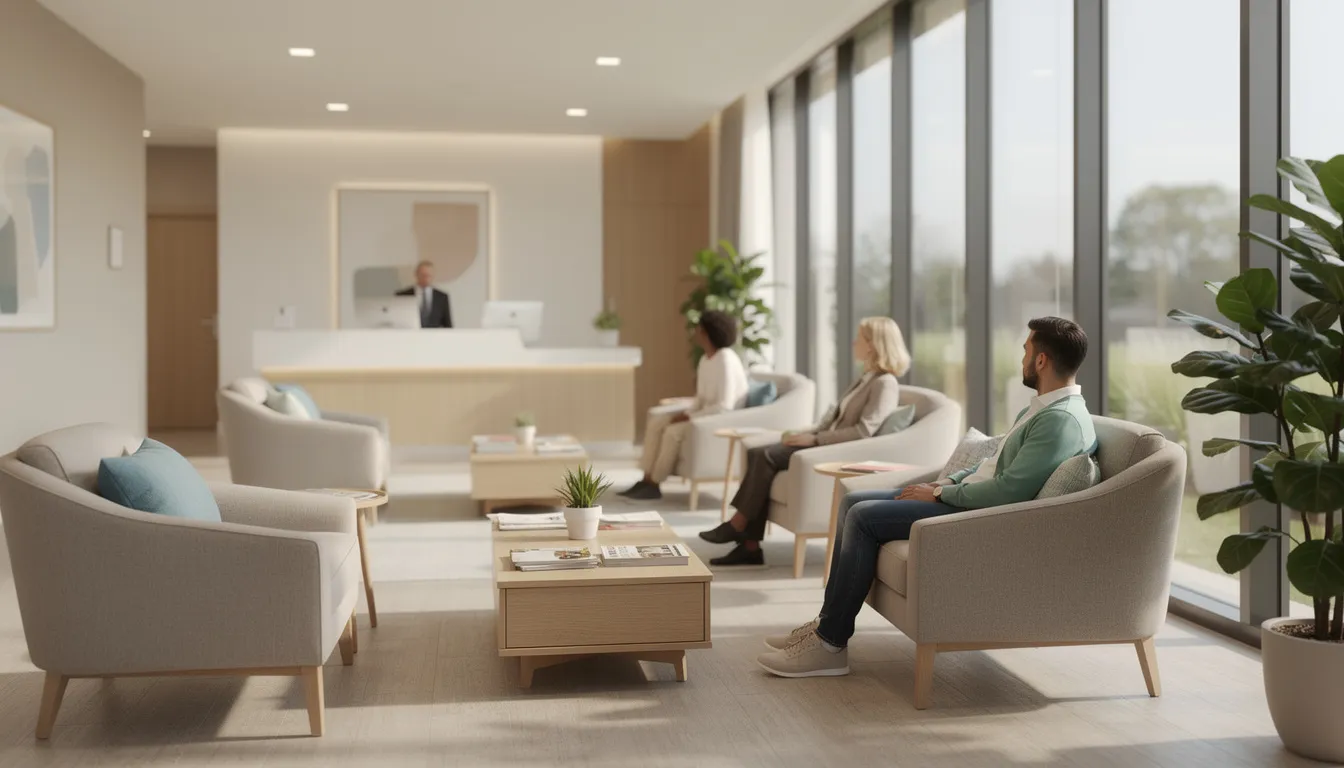
Education: A university faculty entrance features welcome messages during open days, current lecture schedules, and wayfinding to lecture halls and administrative offices. During regular terms, the screen shifts to showcase student achievements and upcoming events.
Event Venue: A conference center foyer uses a large video wall displaying branded welcomes for the current event, room assignments, session schedules, and sponsor logos. The high-impact format matches the scale and energy of major corporate gatherings, especially when you incorporate departure-board-style split-flap motion into your welcome content.
Step‑by‑Step: Setting Up Your First Digital Welcome Screen
Ready to implement? Here’s a practical checklist for your first deployment that any office manager or facilities coordinator can follow.
Sequential setup steps:
- Define your goal: Clarify primary use cases—greeting visitors, displaying schedules, providing wayfinding, or all three
- Choose display size and location: For most office lobbies, a 55” commercial display positioned opposite the entrance works well
- Select media player and mount: Decide between an external player (Android box, Windows mini PC) or a display with integrated SoC; choose a VESA-compatible mount
- Pick digital signage software: Prioritize solutions with calendar integration, remote management, and templates for welcome messages
- Create your initial playlist: Start simple with 3–5 slides—welcome message, today’s schedule, building directory, weather, and one promotional element
- Connect data sources: Integrate with Microsoft 365, Google Calendar, or your visitor management app for automatic personalization
- Test visibility: Walk through the lobby and check readability from all natural viewing points; adjust brightness and content sizing as needed
- Schedule content reviews: Set weekly or monthly calendar reminders to update content and ensure accuracy
Realistic timeline: A basic single-screen implementation can be completed in 1–2 days once hardware arrives. Complex integrations with visitor management systems may add another day or two for configuration and testing, and you can follow a step-by-step guide to getting started with Split-Flap TV if you choose that style of display.
Involve IT and facilities early for power outlet placement, cabling runs, Wi-Fi or Ethernet drops, and any mounting approvals. These logistics often cause more delays than the screen setup itself.
Measuring Impact and Optimizing Over Time
A digital welcome screen isn’t a one-time installation—it’s an ongoing communication channel that benefits from regular attention and optimization.
Practical metrics to track:
- Visitor feedback via short surveys at reception (“Did the lobby screen help you find your way?”)
- Reduction in wayfinding questions to front-desk staff
- Check-in time improvements in hospitality or healthcare settings
- QR code scans or link clicks for calls-to-action displayed on screen
- Playback logs and proof-of-play reports from your digital signage software
Optimization strategies:
- Run A/B tests comparing different layouts or messaging during specific weeks or months
- Track which content types generate the most QR code engagement
- Gather qualitative feedback from reception staff about common visitor questions
- Schedule quarterly reviews with reception and facilities teams to update content priorities
- Remove outdated content promptly—nothing undermines professionalism like displaying last month’s event schedule
Most digital signage platforms include analytics dashboards showing playback completion rates, device uptime, and content performance. Use these to verify your screens are running as scheduled and identify any reliability issues, and take advantage of modern manager interfaces like the new Split-Flap TV manager to simplify scheduling and previews.
Getting Started with Digital Welcome Screens
Digital welcome screens deliver outsized impact relative to their cost. A single well-placed display can strengthen first impressions, smooth visitor journeys, and transform underutilized lobby space into an active communication channel.
Start small. One prominent screen in your main entrance running a simple loop of welcome greetings, today’s schedule, and basic directions provides immediate value. You don’t need a video wall or interactive touchscreen on day one.
Your action list for this week:
- Inventory any existing TVs or displays that could be repurposed
- Identify your pilot location—typically the main lobby or reception area
- Shortlist 2–3 digital signage software options with calendar integration
- Build a basic branded welcome layout with your logo, colors, and first content slides
Once your pilot proves successful, scaling becomes straightforward. Add screens to elevator lobbies and waiting areas. Incorporate interactive directories at wayfinding points. Integrate more data sources for richer personalization. The foundation you build now supports growth for years to come.
Your lobby is ready for an upgrade. The question is whether you’ll showcase your organization at its best—or leave that first impression to chance.