
What Is FIDS? Flight Information Display System for Airports
March 16, 2026 · Captain
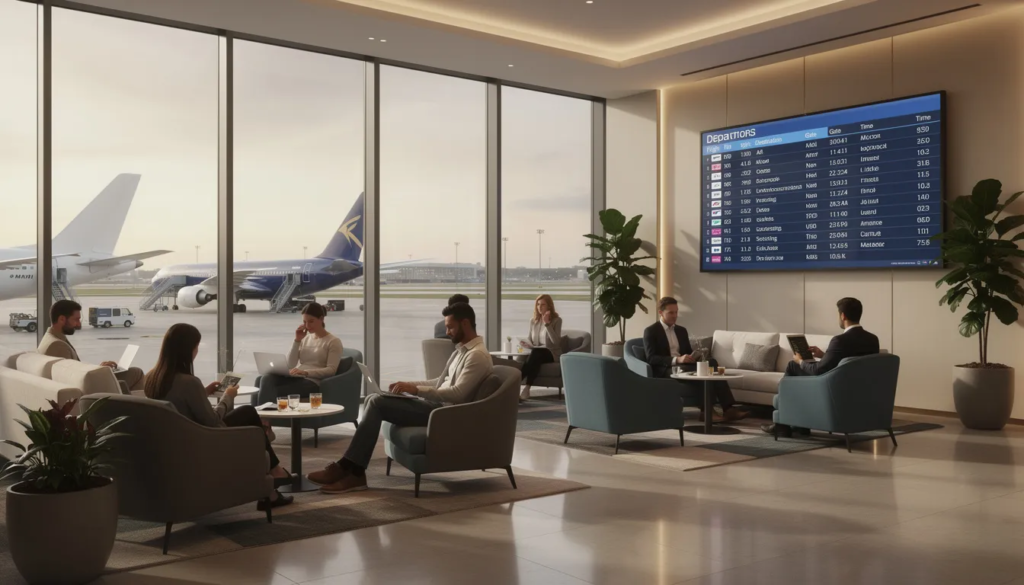
Every traveler knows the moment: you step into an airport terminal, glance up at the nearest screen, and scan for your flight number, gate, and status. That screen—along with dozens or hundreds of others scattered throughout the terminal—is powered by a flight information display system. Understanding how FIDS works reveals the backbone of modern airport communication, from departure halls to baggage claim areas.
This article provides a detailed overview of flight information display systems (FIDS) and their importance in airport operations.
Quick Answer: What Is a Flight Information Display System (FIDS)?
A flight information display system, commonly abbreviated as FIDS, is an airport-wide network that collects, manages, and displays real time flight data for passengers and staff. A Flight Information Display System (FIDS) is a computer system used in airports to display flight information to passengers. As a comprehensive digital signage solution, FIDS is designed to display flight information in real time, integrating with airport infrastructure to keep passengers informed about flights, delays, and gate information. It functions as the central nervous system of terminal communication, pulling data from airline schedules, air traffic control, and ground operations into a unified platform that feeds every screen you see.
FIDS powers the familiar “flight boards” showing departing flights, arrivals, gate assignments, delays, cancellations, and baggage claim information. Modern airports typically deploy networked LCD or LED screens throughout terminals, though the concept dates back to mechanical split-flap boards and even earlier manual methods. Today, information display systems can also run on smart TVs and media players, which is where Split-Flap TV fits in—offering a nostalgic, digital variant of the classic split-flap board while pulling live flight data into an instantly recognizable format.
Airports are one of the most sensory-overloaded environments most people pass through – gate changes, security announcements, boarding calls, retail signage, and a dozen glowing rectangles competing for a fraction of the attention someone is also spending on their phone and their luggage. A FIDS board’s entire job is to win that fight in under two seconds, which is exactly why the format that survived a century of competition – rows of identical, high-contrast characters, no motion, no color competing for attention – still outperforms almost anything more “modern.”
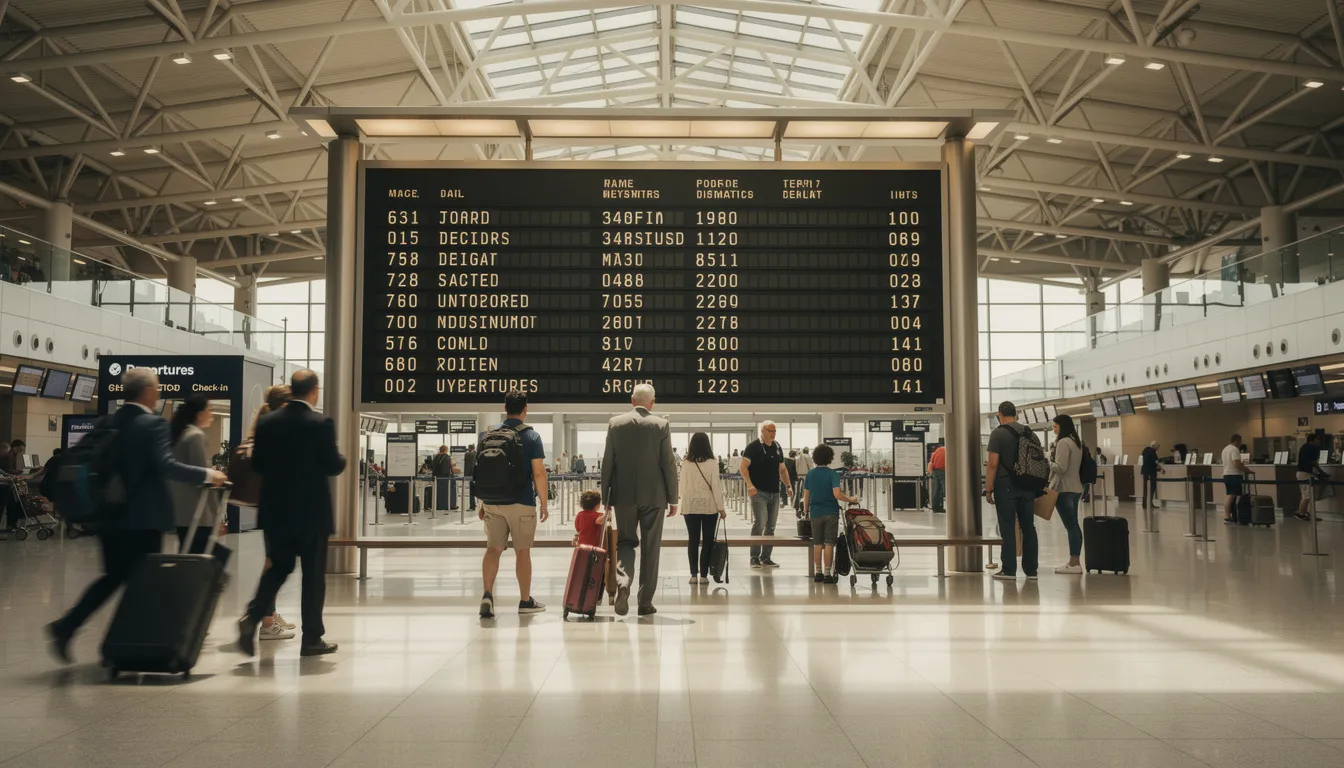
From Chalkboards to Split-Flap to Smart TVs: A Short History of Airport Flight Displays
The story of airport flight displays begins in the 1920s through 1950s, when aviation was still a relatively small-scale enterprise. At early airports, staff used chalkboards or crayon boards to scribble flight details like times and destinations. Paper timetables were distributed to passengers, and frequent loudspeaker announcements from operations desks filled the terminals with shouted updates. This manual approach worked for the lower traffic volumes of the era, but it was labor-intensive and prone to errors. Passengers often relied on simply asking an attendant where to go next.
Everything changed with the jet age. By the late 1950s and into the 1960s, mechanical split-flap display boards emerged as the first automated systems. Companies like Italy’s Solari Udine pioneered these electromechanical boards, installing their iconic displays at major hubs such as New York’s JFK, Frankfurt, and London’s Heathrow. Each board featured rows of hinged flaps that flipped with a distinctive clicking sound to reveal high-contrast black-on-white text showing flight numbers, destinations, and times. Each line on the display corresponded to a different flight entry, providing detailed flight data such as flight number, departure time, and destination. The audible feedback became synonymous with travel itself—hearing the flaps cascade through letters and numbers meant something was happening, and passengers learned to watch and listen for updates.
These split-flap systems dominated through the 1970s and 1980s, celebrated for their reliability, readability from a distance, and visual drama. Large central boards sometimes stretched dozens of meters wide, becoming architectural features in their own right. However, as global air traffic exploded—passenger numbers grew from about 1 billion annually in 1990 to over 4 billion by 2019—airports needed faster updates and lower maintenance costs. The transition to CRT monitors began in the 1980s, followed by LCD and LED digital screens in the 1990s and 2000s. Most FIDS are now displayed on LCD or LED screens, although some airports still use split-flap displays. These systems could handle thousands of daily updates without mechanical repairs, and content could be customized remotely.
The latest phase brings IP-based digital signage and smart TV deployments. FIDS content is now generated by software and pushed over networks to commercial displays without dedicated hardware. This is where Split-Flap TV enters the picture: it recreates the classic split-flap look and feel on modern screens, combining retro aesthetics with today’s digital capabilities. The satisfying flip animation and familiar sound are rendered in software, while live flight data flows from the same sources that power industrial displays—giving airports, lounges, and adjacent venues a distinctive visual style without the maintenance demands of mechanical boards.
Core Components of a Modern FIDS
A modern flight information display system is a combination of back-end data systems, networks, and front-end displays working in concert. While enterprise-grade FIDS at major hubs can involve complex infrastructure, the same architectural principles apply whether the displays are industrial video walls or smart TVs running signage apps. Understanding these components helps airport operators and adjacent businesses make informed decisions about implementation.
Central Flight Data Source (AODB and Other Databases)
At the heart of any FIDS lies a central flight data source, most commonly an Airport Operational Database. The AODB serves as the single repository containing all scheduled and real time information about flights: planned departure and arrival times, gate numbers, check-in counter assignments, aircraft types, and status updates. Think of it as the “brain” that aggregates data from airlines, air traffic management systems, ground handling partners, and slot coordination platforms.
The AODB ensures there is one “single source of truth” that all FIDS screens read from, preventing conflicting information from appearing on different monitors. When a gate changes or a delay is announced, that update propagates from the AODB to every display simultaneously. Smaller facilities without a full AODB can use simpler databases or FIDS back-office applications that play a similar role, accepting manual schedule entries or basic data feeds from airline partners.
FIDS Software and Content Management Layer
The FIDS application pulls structured data from the AODB and maps it into screen layouts. This software controls how information appears: sorting flights by time, filtering to show only departures or arrivals, and applying visual formatting such as columns, colors, and alert icons. Staff use this layer to override data when necessary—for example, pushing emergency messages or making manual gate changes that haven’t yet flowed through airline systems.
Modern FIDS software supports scheduling templates for different times of day, multilingual text, and integration with advertising or wayfinding content. Split-Flap TV is an example of a cloud-based split-flap content and layout engine that can be fed live flight data and then pushed to screens with a nostalgic split-flap design. The underlying logic remains the same; only the visual presentation—fonts, animations, and that characteristic flipping sound—differs.
Display Hardware: From Industrial Panels to Smart TVs
FIDS screens come in many forms: large LED walls in departure halls, medium-size monitors near check-in and security zones, and smaller screens at each gate or baggage belt. Key considerations include high contrast for readability, large fonts (industry guidance suggests minimum 100mm character height for visibility at 50 meters), wide viewing angles, and brightness levels that can handle bright terminal lighting—up to 2000 nits in some deployments.
Historically, these were dedicated industrial displays driven by PCs or custom controllers. Today, many airports use system-on-chip smart signage displays or commercial smart TVs with apps installed directly on the device. This shift reduces hardware costs by 50-70% in some recent deployments. Split-Flap TV leverages this approach: airports or adjacent venues like lounges, rail connectors, and hotels can run a split-flap-style FIDS on regular commercial TVs without extra media players, keeping implementation simple and scalable.
Networking, Redundancy, and Monitoring
A reliable wired or managed wireless network connects the central FIDS server to all displays, ensuring low-latency updates for last-minute gate and delay changes. Redundancy measures—backup servers, redundant switches, and UPS power systems—keep FIDS operating during outages. Nobody wants flight boards going dark during a thunderstorm delay.
Basic monitoring allows operators to see which screens are online, detect failures, and push configuration or content updates remotely. Cloud-based solutions can monitor dozens of endpoints from a single web dashboard, which is particularly relevant for Split-Flap TV’s SaaS model. Smaller airports and transport hubs benefit from reduced on-site maintenance when much of the logic and monitoring lives in the cloud.
Airport Systems Integration with FIDS
In today’s bustling airports, the flight information display system (FIDS) creates something truly magical—it’s not just standalone technology, but the beating heart of a beautifully orchestrated network that brings the entire airport experience to life. When FIDS connects seamlessly with other airport systems like the airport operational database (AODB), passenger flow management, and public announcement systems, something wonderful happens: airport operators can craft an experience where flight information feels effortlessly accurate, refreshingly timely, and reassuringly consistent at every single moment of a traveler’s journey.
Related reading: Inspired by airport boards…
This integration creates an almost invisible dance of real-time flight data, passenger details, and operational updates that flow like magic between systems, creating moments of delight for everyone involved—much like traditional split-flap display boards in transit hubs once did. Picture this: when a gate assignment shifts in the AODB, that update instantly awakens across every FIDS screen, simultaneously refreshing wayfinding apps and breathing life into public announcements. It’s equally enchanting how passenger flow management systems can sense and anticipate the rhythm of crowds at security or boarding gates using FIDS data, empowering staff to respond with an almost intuitive grace that keeps the airport’s heartbeat steady and strong.
For passengers, this translates into something precious—less confusion transforms into genuine confidence as they glide through the terminal with a sense of trust and ease. For airport operators, these integrated systems spark joy by reducing tedious manual work, eliminating frustrating errors, and creating that coveted single source of truth for all flight information. Ultimately, weaving FIDS together with other airport systems becomes an art form that reduces stress, streamlines the human experience, and delivers those unforgettable “wow moments” that make even the busiest airports feel surprisingly welcoming and wonderfully alive.
Where FIDS Appears in an Airport (and What Each Screen Shows)
One FIDS back-end powers many different screen types throughout a terminal. The same core data is filtered and formatted differently in each area to match the passenger journey—from curb to check-in, through security, to the gate, and finally to baggage reclaim.
Multiple processes work together to filter, format, and update flight information for each screen type, ensuring real-time accuracy and effective communication.
Secondary or landside areas like lounges, rail station connectors, or airport hotels often use simplified FIDS views, making them ideal for split-flap-style business signage that mixes flight summaries with time, weather, and messaging.
Departure and Arrival Hall Overview Boards
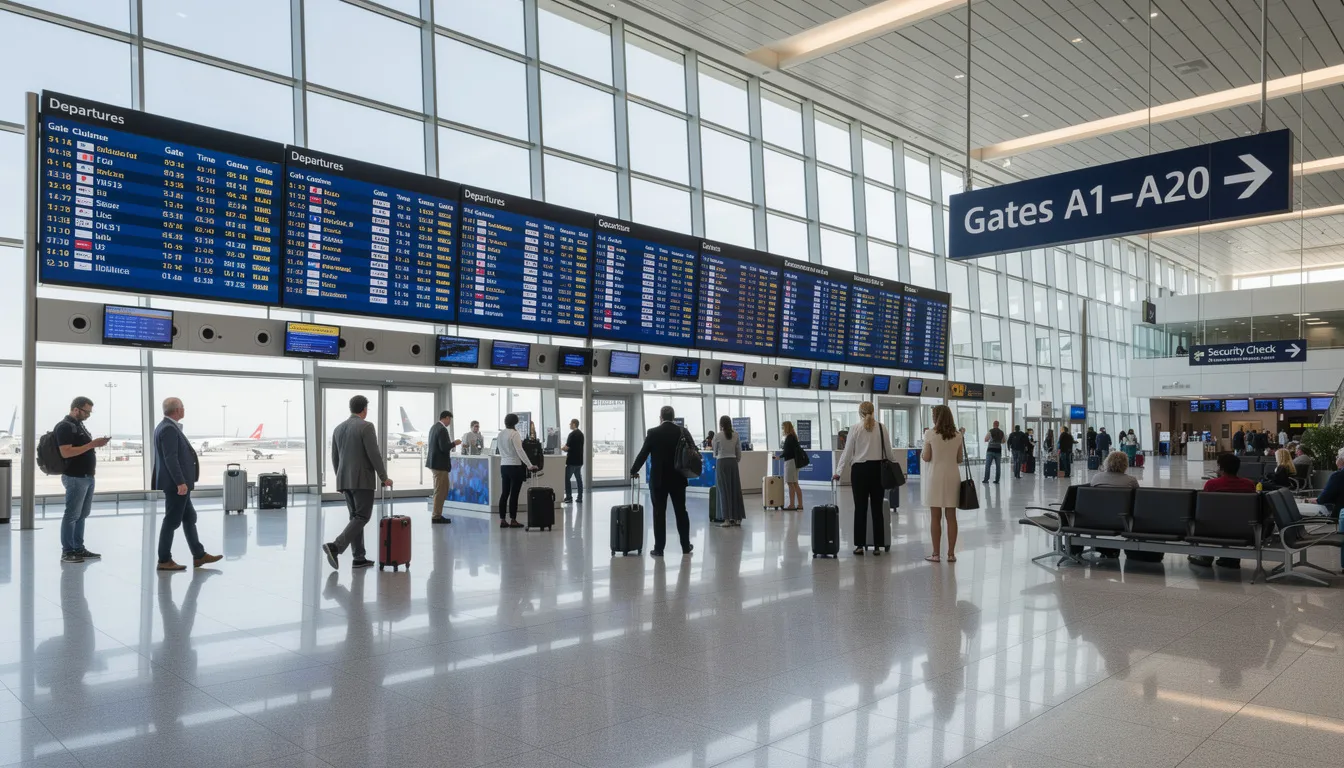
The large video walls or multi-screen arrays typically seen right after entering the terminal show all departures or all arrivals. These displays present essential flight details: airline, flight number, destination or origin city, scheduled and estimated times, gate assignments, and status indicators like “On Time,” “Boarding,” “Delayed,” or “Cancelled.”
These boards are usually sorted by time and refresh automatically every few seconds as new flights enter the queue or statuses change. This is the modern equivalent of the classic split-flap “main board” many travelers remember from the 1960s through 1990s—and the format Split-Flap TV recreates for venues that want that nostalgic look with live data.
Check-In, Security, and Immigration Displays
Check-in zone screens group flights by airline or counter row, helping passengers find where to drop bags. You might see a display listing counter numbers 1-15 for a particular airline, with the relevant flight numbers beside each. Security and immigration guidance screens show which checkpoints are open, estimated wait times, and which gates are served beyond each control point.
These screens trade detailed per-flight information for wayfinding and queuing information, though they still pull data from the FIDS—for example, knowing when peak flight loads will create security bottlenecks. Digital signage software can rotate between pure FIDS content and operational messages on the same screens, maintaining flexibility throughout the day.
Gate and Boarding Area Screens
Per-gate screens show a single flight or a small group of flights, highlighting boarding groups, final calls, and any last-minute gate or delay information. These displays often incorporate airline branding, seat rows currently boarding, or special notices about documentation checks.
Reliability and near-instant updates are crucial here because this is where passengers make boarding decisions, and blending nostalgia with modern display technology can make critical information both memorable and easy to recognize. A split-flap-style look can work well in premium gates or boutique terminals for a memorable experience while still using live FIDS data—differentiation that elevates the passenger experience.
Baggage Claim and Connecting Passenger Information
Baggage hall displays list arriving flights with corresponding carousel numbers, delivery status (bags on belt, delayed), and codeshare information for partner airlines. Screens also help connecting passengers by listing upcoming departures with transfer times and walking distances to gates.
These FIDS views reduce congestion and confusion, especially during peak arrival waves. A simplified, highly legible split-flap aesthetic works well in arrivals zones where people glance up from a distance while collecting luggage.
Interactive Kiosks and Special Information Points
Touch-screen kiosks allow passengers to search for specific flights, destinations, or gates and receive printed or on-screen directions. These kiosks often combine FIDS data with airport maps, retail information, and service messages. While Split-Flap TV focuses on non-interactive broadcast displays, it complements kiosks by providing ambient, always-on, easy-to-scan information elsewhere in the terminal. Well-placed displays and kiosks together create a consistent information layer through the entire passenger journey.
How FIDS Works Behind the Scenes
FIDS operates through a straightforward pipeline: collect data, process it according to business rules, distribute content to screens, allow user overrides, and maintain resilience through monitoring and backups. The same principles apply whether the display is a traditional industrial screen or a smart TV running digital signage software like Split-Flap TV.
Collecting and Integrating Flight Data
Flight schedules are loaded from airline systems—platforms like SITA, Amadeus, or in-house airline databases—into the AODB or FIDS server, often days in advance. Real time updates such as delays, new gate assignments, aircraft changes, and cancellations are pushed into the database from operations control and airline systems as they happen.
Standard aviation data formats facilitate this integration, though smaller airports or terminals can use simpler data feeds or even manually maintained flight schedules that flow through the same FIDS pipeline.
Applying Business Rules and Layout Logic
The FIDS engine sorts and filters data differently per screen type based on configurable rules. A global departure board might show all flights sorted by scheduled time; a single-gate monitor shows only that gate’s flight with expanded details.
Basic rules determine which flights appear, how many rows display, how to handle full pages (paging or scrolling), and how to show codeshares with partners. Visual rules apply color coding for status, icons for delayed or diverted flights, and multilingual support where required. A split-flap-style layout still relies on the same underlying logic; only the visual presentation—fonts, animations, sound—is different, which Split-Flap TV’s departure-board-style motion provides.
Distributing Content to Screens
Processed content is packaged for each display and sent over the network via media players, dedicated FIDS clients, or apps on smart signage displays. Modern systems reduce on-site hardware by using built-in smart TV operating systems that run a FIDS or signage app directly.
Schedules can be cached locally on the player or TV so the screen still shows the last known information during a temporary network interruption. Split-Flap TV’s approach follows this model: a cloud server generates the layouts and data, while lightweight apps on TVs handle the visuals and animations.
User Control, Overrides, and Emergency Messaging
Airport operations staff can log into a control interface to override certain fields when operational reality moves faster than airline feeds—an immediate gate change or “boarding closed” status, for example. FIDS can integrate with public address systems and emergency notification tools so critical safety messages take over all screens instantly.
Priority rules ensure that in an emergency, regular flight rows may be replaced or overlaid by prominent alerts and instructions. Digital signage systems like Split-Flap TV can also display urgent operational messages, not just decorative content, making them suitable for smaller terminals or adjacent spaces that need flexible communication tools, especially when operators follow step-by-step setup guidance for Split-Flap TV.
Redundancy, Monitoring, and Maintenance
Backup servers or cloud failover ensure that loss of a single machine doesn’t darken all flight boards. Network and hardware monitoring allows IT teams to spot offline screens quickly and dispatch technicians before passengers experience confusion. Scheduled maintenance windows allow data feeds or layout templates to be updated, tested, and rolled out to all endpoints.
SaaS FIDS or signage providers like Split-Flap TV handle much of this remotely, reducing on-site maintenance for smaller airports and transport hubs while maintaining complete control over content and scheduling.
Complete Control over FIDS: Administration and Management Tools
To keep airport operations flowing like magic, airport operators discover something wonderful—complete mastery over their flight information display system. Modern FIDS administration and management tools don’t just empower operators; they awaken a sense of control that feels almost artistic, letting them craft every detail of what passengers experience on those glowing screens—from the rhythm of flight schedules and gate assignments to the urgency of emergency alerts and the warm touch of branding.
With these remarkable tools, operators experience the pure satisfaction of updating flight information and gate assignments in real—time, ensuring passengers always feel connected to the most current, reliable details. The customization possibilities spark genuine delight—tailored layouts that breathe with personality, multilingual support that welcomes every traveler, and the ability to spotlight specific flights or statuses with the precision of a conductor directing an orchestra. Operators find themselves scheduling content changes with anticipation, pushing urgent updates with confidence, and even transforming the very soul of FIDS screens to mirror the airport’s unique character or celebrate special moments.
Beyond the everyday magic of management, these tools reveal something deeper—precious insights into how the system lives and breathes. Operators can feel the pulse of which screens are alive and responding, track the heartbeat of update speeds, and discover the fascinating dance of how passengers connect with the displays. This level of intimate control creates something beautiful—not only does it dissolve confusion and stress for travelers, but it awakens airport teams to moments of possibility, ensuring the FIDS remains a living, breathing, and utterly reliable companion in the grand symphony of airport operations.
What Information Does FIDS Typically Show?
FIDS focuses on operationally relevant data that helps passengers make immediate decisions: where to go, when to go, and what to expect. The core categories include:
|
Data Category |
Typical Fields |
|---|---|
|
Basic flight details |
Flight number, airline/IATA code, airline logo, origin/destination |
|
Time and status |
Scheduled time, estimated time, actual time, status (on time, delayed, boarding, cancelled) |
|
Location |
Gate numbers, terminal, check-in counter numbers, carousel information |
|
Connections |
Transfer times, walking distances, connecting gates |
|
Notifications |
Weather, strikes, runway closures, promotional messages |
|
The same data set isn’t always shown everywhere. Gate screens omit baggage details; arrival boards emphasize carousel information; departure boards focus on boarding status. This filtering prevents information overload and keeps each display purpose-driven. |
|
|
In less formal contexts—lounges, bars, airport hotels—affordable split-flap-style displays can combine essential flight lists with ambient information like time, date, and weather, matching what Split-Flap TV does for venues that want useful information without overwhelming detail. |
|
Benefits of FIDS for Airports, Airlines, and Passengers
FIDS is critical infrastructure. Without it, airport operations slow down, staff rely on manual announcements, and passengers miss flights. The benefits extend across multiple stakeholders, from travelers to commercial partners.
Passenger Experience and Wayfinding
Clear, consistently positioned FIDS reduces anxiety by giving travelers a reliable source of truth for gates, times, and disruptions. Good design shortens the time it takes passengers to locate their flight and decide where to go next. Industry studies suggest effective FIDS can reduce orientation time from 10 minutes to 4 minutes at major hubs and decrease missed flights by up to 20%.
Multilingual support and intuitive layouts are crucial in international hubs with diverse passengers. A recognizable, nostalgic design like split-flap can actually make information easier to find because passengers instinctively look for the “big board” style they associate with departures.
Operational Efficiency for Airports and Airlines
Synchronized, real time information reduces the load on information desks and gate agents, allowing staff to focus on problem cases instead of routine questions. Accurate gate and status displays reduce last-minute crowd movements and boarding chaos, improving on-time departure performance.
When stands or gates change in the operations system, FIDS updates automatically, keeping everyone in sync. Modern software-driven systems can be scaled or reconfigured quickly when terminals are renovated or new routes are added, without replacing every piece of hardware.
Branding, Revenue, and Atmosphere
FIDS screens can allocate specific regions or time slots for airport or airline branding, safety messages, and carefully controlled ads. Certain areas—lounges, food courts, retail clusters—blend FIDS information with promotional content to drive non-aeronautical revenue without sacrificing clarity. Major airports generate millions annually from strategic advertising on their display systems.
A distinctive style like a digital split-flap board can become part of the airport’s architectural identity, tying together signage, wayfinding, and marketing materials. Businesses in and around airports—bars, hotels, train stations, offices—can echo the airport FIDS look with digital split-flap boards from Split-Flap TV, creating a cohesive travel experience and additional touchpoints for branding and communication.
It’s worth resisting the temptation to run it like an ad screen, though. A FIDS board earns a traveler’s trust specifically because it never lies to them for revenue. The moment a gate board starts interleaving flight data with a rotating ad for airport parking, travelers stop trusting it to be accurate at a glance, and start reading it the way they read every other screen in the terminal: skeptically, or not at all. Whatever ad revenue a shared display might generate, it comes at the cost of the one thing that made the board worth looking at.
Modern Variants: From Industrial FIDS to Split-Flap-Style Digital Signage
While large-scale FIDS in major hubs remain complex, there is now a range of lighter, more flexible options for regional airports, terminals, lounges, and travel-adjacent venues. Traditional enterprise FIDS deployments involve custom hardware and on-premise servers; cloud-based digital signage approaches use apps on commodity TVs and SaaS dashboards instead.
Split-Flap TV combines the nostalgia of 1960s split-flap boards with modern digital split-flap display capabilities—scheduling, real time data, social counters, weather integration, and more. These modern variants can still consume real time flight data feeds but are easier to deploy, test, and scale for smaller teams and budgets. Using a split-flap aesthetic can differentiate a terminal, lounge, or nearby business from the generic flat lists seen everywhere else.
Where Split-Flap-Style Displays Make Sense in and Around Airports
Concrete use cases for split-flap-style digital signage include:
|
Location/Use Case |
Purpose/Benefit |
|---|---|
|
Boutique or regional terminals |
Distinctive wayfinding and unique passenger experience |
|
Private jet FBOs |
Premium atmosphere and exclusive service ambiance |
|
Airport hotels |
Displaying departure information for guests |
|
Rail and metro connectors |
Showing integrated timetables for seamless travel connections |
|
Airline lounges |
Providing ambient flight updates in a relaxing environment |
|
Airport bars and restaurants |
Enhancing customer experience with live flight information |
|
Corporate offices linked to aviation or logistics |
Reinforcing brand identity and operational awareness |
These locations can show a slimmed-down FIDS view—next 10-20 departures, key destinations, or flights from a specific airline—combined with local time, date, and weather. Operators who want hands-on implementation details can follow getting-started instructions for Split-Flap TV, while those seeking ongoing inspiration and best practices can browse the Split-Flap TV features and ideas blog. Split-Flap TV supports scheduling and playlisting, so operators can rotate between flight information, announcements, social media counters, and branded messages.
This approach allows smaller venues to “borrow” the reassuring feel of an airport FIDS while keeping deployment as simple as installing an app on a smart TV and connecting it to a cloud dashboard. No servers, no custom hardware, no maintenance headaches.
Optimizing FIDS for Better Performance
Optimizing the performance of a flight information display system becomes something magical when you consider its role in creating seamless, almost enchanting airport experiences. There’s something deeply satisfying about the ritual of maintaining FIDS software updates, caring for display hardware, and nurturing network connectivity—ensuring these essential screens remain vibrant and dependable, like trusted companions guiding travelers through their journeys.
Understanding passenger behavior and flow patterns reveals the beautiful choreography of human movement through airports. By observing where people naturally gather, where they pause seeking guidance, where their eyes search for reassurance—operators can thoughtfully position and customize FIDS screens to honor these human rhythms. There’s genuine artistry in increasing displays in bustling zones or crafting personalized information for different traveler communities, transforming what could be chaotic wayfinding into graceful, intuitive experiences that respect people’s time and reduce those anxious moments of uncertainty.
Optimized FIDS screens offer something remarkable—the opportunity to weave targeted branding and advertising into the essential fabric of information display, creating valuable partnerships that feel authentic rather than intrusive. By continuously refining FIDS through careful attention to operational data and genuine passenger feedback, airports can cultivate that rare combination of operational excellence, elevated passenger experience, and sustainable revenue growth—all while preserving the clarity and reliability that becomes part of travelers’ treasured journey memories.
Implementing or Refreshing a FIDS: Practical Considerations
Implementing FIDS ranges from multimillion-euro projects in large hubs to much smaller, agile deployments in regional airports and connected venues. High-level steps for any project typically include:
- Requirements gathering (locations, screen count, data sources)
- Data integration planning (AODB access, airline feeds, manual entry)
- Hardware selection (industrial panels, smart TVs, hybrid approach)
- Software selection (enterprise FIDS, SaaS signage, Split-Flap TV)
- Design and UX (legibility, consistency, logical flight grouping)
- Testing and pilot deployment
- Ongoing operations and maintenance
Clarity comes first. Legibility, consistency, and logical grouping of flights should be established before adding advanced features or elaborate branding. Smart TV-based solutions and SaaS platforms like Split-Flap TV are particularly attractive for pilots, temporary terminals, pop-up check-in zones, and non-aeronautical spaces where flexibility matters more than enterprise-grade complexity.
Think beyond the primary terminal: hotels, parking structures, train stations, and nearby businesses can all benefit from simplified FIDS information displayed in a recognizable split-flap or FIDS style, taking cues from real-world Split-Flap TV installations in diverse venues. The result is a cohesive information environment that serves travelers from the moment they enter the area until they board their flight.
Conclusion: FIDS as the Beating Heart of Airport Communication
Flight information display systems have evolved from handwritten boards and shouted announcements to mechanical split-flap boards and now fully digital, networked screens. Throughout this evolution, the core mission has remained constant: inform passengers clearly, reduce confusion, and keep airport operations running smoothly.
FIDS remains crucial for passenger confidence, efficiency, and the overall travel experience. The enduring appeal of the classic split-flap look—the satisfying click, the cascading letters, the sense that information is literally unfolding before your eyes—explains why solutions like Split-Flap TV bring that history into the present using ordinary screens and cloud software.
As air travel grows and terminals become more complex, flexible, software-driven FIDS and nostalgic-yet-digital displays will continue to shape how travelers see and feel the journey from curb to gate. Whether you manage a regional terminal looking to develop a distinctive identity or operate a venue near an airport that wants to maintain that travel atmosphere, the right display system makes all the difference.
Ready to bring the classic split-flap aesthetic to your space? Split-Flap TV offers a straightforward way to deploy nostalgic, data-driven displays on smart TVs—no mechanical parts, no complex infrastructure, just that familiar flip.