
How to Keep Store Hours Accurate on Display
May 28, 2026 · Captain
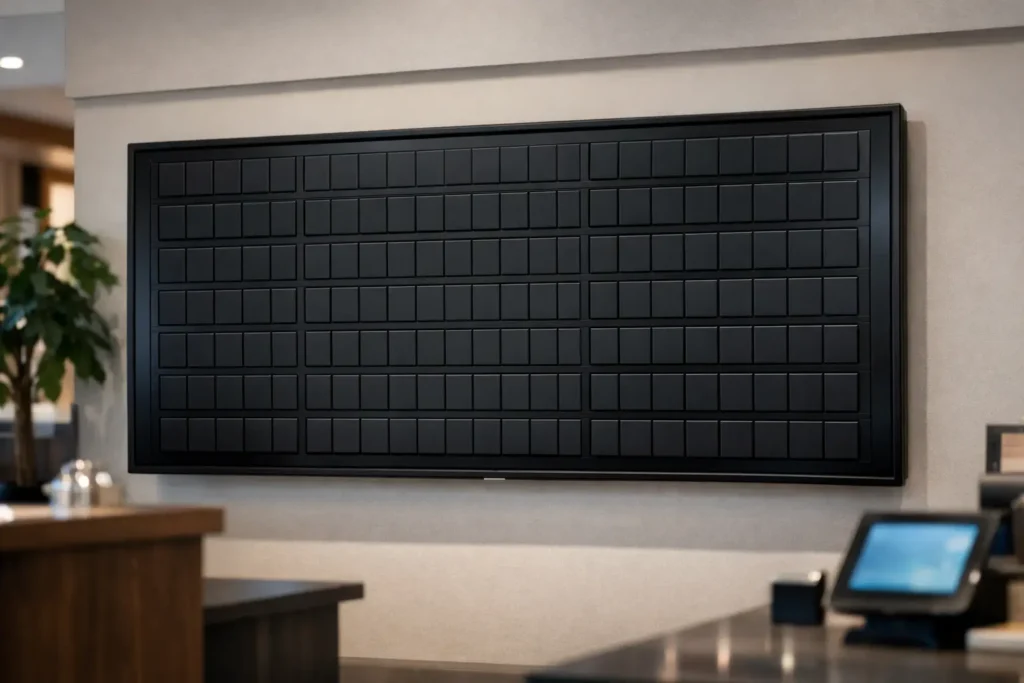
Nothing says “we’re closed” quite like a customer tugging your door at 8:02 while your printed sign still says 9:00. It is a small mistake that creates outsized friction. If you want to keep store hours accurate on display, the goal is not just correctness. It is trust, fewer interruptions, and a front-of-house experience that feels considered instead of patched together.
For shops, restaurants, hotels, and offices, store hours live in more places than most teams realize. They are on the front door, on a host stand, near the register, in a lobby, sometimes on a window card, and often on a screen. The challenge is not writing the hours once. The challenge is updating them everywhere before the first customer notices the mismatch.
Why accurate hours matter more than most teams think
Customers are surprisingly forgiving about a long line or a sold-out special. They are less forgiving about arriving during the hours you posted and finding a locked door. That moment feels avoidable, and that is why it sticks.
Accurate hours reduce routine questions, protect staff time, and cut down on awkward interactions. When your hours are clearly displayed and consistently updated, customers spend less time guessing and your team spends less time explaining. For a busy café, that might mean fewer “Are you still serving?” questions near close. For a boutique hotel, it might mean guests know exactly when the bar, breakfast service, or front desk support is available.
There is also a brand effect. Taped-over paper, handwritten corrections, and fading notices make even a well-run business feel less organized than it is. A clean display communicates that someone is paying attention.
Where businesses usually lose control of store hours
The weak point is almost never the hours themselves. It is the process around them. A manager updates the door decal but forgets the sign at the register. A holiday schedule gets printed for one weekend, then quietly stays up too long. One location changes Sunday hours, but an older version of the schedule remains on a lobby screen.
This gets worse when updates depend on whoever happens to be on shift. Handwritten signs are fast in the moment, but they age badly. Printed signage looks better, yet reprinting every small change is slow enough that teams put it off. Neither method is ideal if your business regularly adjusts hours for holidays, private events, weather, staff availability, or seasonal traffic.
To keep store hours accurate on display, you need one source of truth and a display method that makes updating feel easy enough to do immediately.
Keep store hours accurate on display with one system
The cleanest fix is to stop treating hours as a static sign. Think of them as operational content. They change. They need scheduling. And they should be managed the same way you manage announcements, specials, and service messages.
That is where a cloud-controlled display system earns its keep. Instead of replacing paper or crossing out old information, you update the hours once and publish the change across the screens that matter. The result is not flashy for the sake of it. It is controlled, elegant, and fast.
For customer-facing businesses, text-first displays are especially effective for this kind of message. Store hours do not need elaborate graphics. They need to be readable, timely, and impossible to miss. A split-flap style display does that in a way generic screens often do not. The motion catches the eye, the layout feels intentional, and the message stays clear.
That retro click-clack effect also works in your favor. It turns a practical update into a small piece of theater, which is exactly why split-flap boards have held public attention for so long. People notice them. That matters when the information on screen affects whether someone walks in, waits, or comes back later.
What accurate hour displays should actually include
A good hours display is specific enough to prevent confusion without becoming cluttered. For most businesses, that means standard weekly hours, plus temporary changes when needed. If your operation has multiple service windows, such as a kitchen closing before the bar, those distinctions should be spelled out plainly.
The wording matters. “Open daily” sounds nice but tells customers very little. “Mon-Thu 8 AM-7 PM, Fri-Sat 8 AM-9 PM, Sun 9 AM-5 PM” is useful. If holiday hours differ, say so directly. If you are closed for a private event, name the date and time. Customers do not need a paragraph. They need certainty.
Design matters too. High contrast, clean spacing, and a layout that can be read from a few steps away will outperform a crowded sign every time. This is one place where restraint wins. Text-only or mostly text-based displays often do a better job than visually busy ones.
Scheduling beats scrambling
The biggest operational upgrade is scheduling your hour changes before the rush hits. If you already know your holiday hours, event closures, or seasonal adjustments, they should not rely on someone remembering to swap a sign at the right moment.
With a scheduled display system, tomorrow’s hours can go live tomorrow morning without a last-minute scramble. Monday’s reduced service can appear automatically. A holiday message can expire on its own. This is especially helpful for businesses with early openings, late closings, or multiple managers.
There is a trade-off here. Scheduled updates are powerful, but only if the person setting them understands the real operating plan. If your hours change often because staffing is unpredictable, you still need a simple way to make same-day edits. The best setup handles both planned changes and fast corrections.
The best places to show hours inside and outside
The front entrance is non-negotiable. That is where customers decide whether to come in, wait, or leave. But it should not be the only place.
Inside the space, hours can reduce repeat questions at points where people pause naturally: a host stand, check-in desk, register, pickup area, or elevator lobby. In hotels and offices, internal displays can also clarify amenity or service hours, which are often just as important as the building’s main opening times.
It depends on your layout. A compact retail shop may only need one outward-facing display near the entrance. A restaurant with separate dining, bar, and takeout rhythms may need more nuance. The goal is not to post hours everywhere. It is to place them where questions usually begin.
Why polished signage changes customer behavior
Messy signage invites doubt. Customers see tape, crossed-out numerals, or multiple conflicting notices and start wondering what else might be outdated. Clean digital presentation does the opposite. It signals order.
That is one reason the split-flap format works so well in customer-facing spaces. It feels designed, not improvised. It has the nostalgia of classic transit and departure boards, but it solves a very current business problem: how to update important information without making the space look temporary.
For brands that care about atmosphere, this matters. A thoughtfully displayed hours board can complement the room instead of looking like an apology pinned to the wall. In a boutique setting, a restaurant bar, or a stylish office lobby, that visual discipline is part of the experience.
A simple process that keeps hours accurate
If you want this to stay fixed, not just improved for a week, create a lightweight routine. Assign one owner for official hours, define where those hours appear, and update from a single control point. Then review upcoming exceptions weekly.
The most practical version looks like this in real life: standard hours stay on display by default, temporary exceptions are scheduled in advance, and urgent changes can be pushed live from the app when needed. That removes the paper chase and cuts the odds of one sign drifting out of sync.
If you use a prepared screen with a split-flap display app, the setup can stay surprisingly simple. Buy a screen, download the app, set your layout, publish your hours, and update them whenever operations change. You get the charm of a classic board without the maintenance headache of mechanical hardware, and you stop relying on taped notes to carry an important customer message.
Customers rarely compliment accurate store hours. They just move through your space with less friction, fewer questions, and more confidence. That is the point. When your display gets the basics right, the rest of the experience has room to shine.