
How to Create a Rotating Text Announcement Screen
June 13, 2026 · Captain
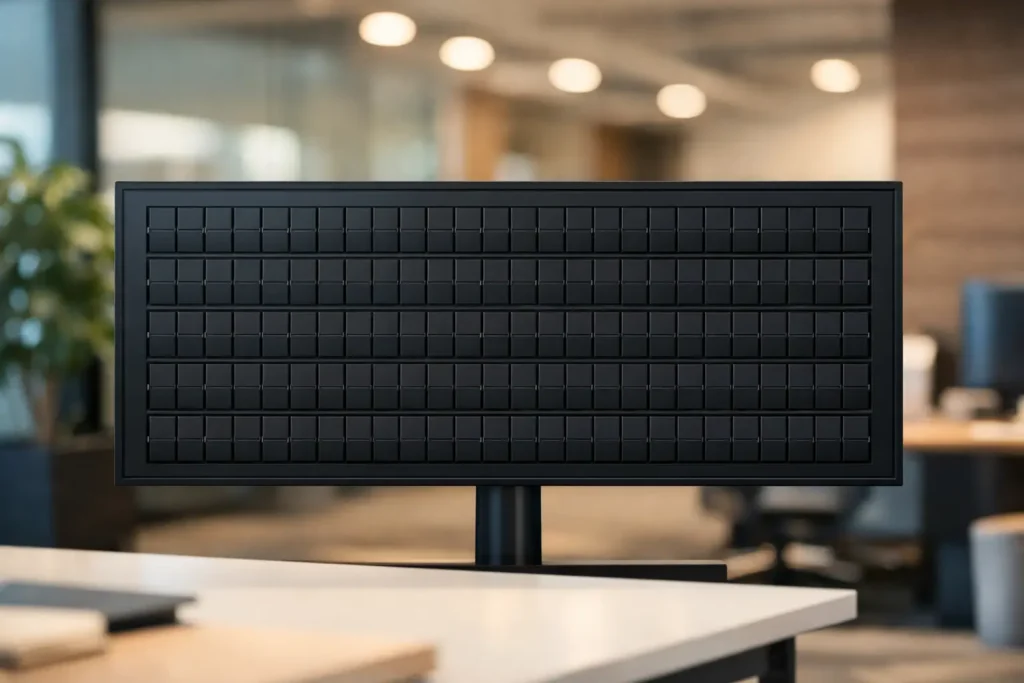
A taped notice by the register works for about ten minutes. Then the price changes, the happy hour shifts, the Wi-Fi password gets covered by another flyer, and suddenly your front-of-house looks like a bulletin board in distress. If you want to create a rotating text announcement screen, the goal is not just to show words on a display. It is to turn changing information into something clear, intentional, and worth noticing.
That matters more than most businesses realize. A well-designed rotating text screen can answer repeat questions before they are asked, keep staff from rewriting signs, and make a space feel more considered. For restaurants, boutiques, hotels, bars, and offices, it is one of the simplest ways to add polish while reducing day-to-day friction.
What a rotating text announcement screen should actually do
The phrase sounds technical, but the job is simple. A rotating text announcement screen cycles through short messages on a schedule or loop. That might mean store hours, specials, event times, house rules, room directions, or internal updates. The best versions are easy to read at a glance and easy to update when your day changes.
This is where many setups go wrong. Businesses often treat announcement screens like miniature websites, cramming in too much copy, too many colors, or too many moving parts. But if someone is standing at a counter, walking into a lobby, or passing a host stand, they are not there to study a presentation. They need the headline, the key detail, and maybe one more line.
A strong rotating text screen behaves more like great public signage than modern ad tech. It is restrained, legible, and timed for real attention spans.
Why text-first screens still grab attention
There is a reason split-flap boards remain iconic. The visual rhythm, the mechanical feel, the click-clack motion – it all signals that something is changing and worth reading. Even recreated digitally, that old transit-board language still carries authority. It feels public, useful, and a little theatrical.
That is especially valuable if your business wants to stand apart from generic screens full of glossy graphics. Not every message needs video. In fact, for operational updates, text is often better. It gets to the point faster, keeps the message clean, and avoids the visual clutter that can make displays blend into the background.
A rotating text announcement screen works best when it feels purposeful. The nostalgia helps people look. The clarity helps them understand.
How to create a rotating text announcement screen that people read
Start with the content, not the hardware. Before you choose a layout, make a short list of the messages people ask about most often. Think in terms of repeated interruptions. What does your staff explain ten times a day? What changes often enough to make printed signs annoying? That is your first rotation.
For a cafe, that might be breakfast hours, the day’s special, and a note about ordering at the counter. For a boutique hotel, it could be check-in times, breakfast hours, and the Wi-Fi name. For an office, it might be visitor directions, meeting room schedules, and internal reminders.
Then edit hard. Each message should be short enough to scan in a couple of seconds. Long paragraphs do not become more readable because they are on a screen. They become easier to ignore.
Keep each message focused
A good rule is one message per page or state. If you have three announcements, let them rotate one at a time rather than stacking them all together. This creates a cleaner rhythm and gives each item room to breathe.
Short copy also gives the display more confidence. “HAPPY HOUR 4-6 PM” lands better than a six-line explanation. “ASK ABOUT TODAY’S SPECIAL” is stronger than a full menu description. You are not replacing every printed document in your business. You are surfacing the information that needs to be seen now.
Choose a layout that fits the distance
The right layout depends on where the screen lives. A host stand display seen from a few feet away can handle more detail than a lobby screen viewed from across the room. Bigger text, fewer rows, and stronger contrast usually win.
This is one reason split-flap style layouts work so well for announcements. Rows and columns naturally force discipline. You are less tempted to overdesign, and the result feels more like signage than a slideshow. That limitation is useful. It keeps the screen elegant and readable.
Set a rotation speed that respects attention
Too fast, and nobody catches the message. Too slow, and people assume the screen is static. The sweet spot depends on message length, but most announcement screens work best when each screen stays up long enough to be read comfortably twice.
If your messages are very short, quicker transitions can feel lively. If they include hours, dates, or locations, slow it down. There is no prize for squeezing ten announcements into a loop if nobody absorbs them.
The practical setup behind a rotating text announcement screen
Once the content is right, the setup should be uncomplicated. For most businesses, the best system is one that runs on a dedicated screen and can be updated remotely from an app or cloud dashboard. That way, when a shift manager changes a special or an office coordinator updates room info, the screen changes without anyone printing, taping, or rewriting anything.
This is where simplicity matters. You should be able to choose your layout, define your rows and columns, enter your messages, and set timing without needing AV expertise. If a screen only works when one specific employee is around to manage it, it is not really saving you time.
Scheduling is also worth thinking about early. A rotating text announcement screen becomes much more useful when different messages appear at different times of day. Breakfast hours in the morning. Cocktail service in the evening. Event details only when an event is live. Internal notices only during office hours. Smart scheduling keeps the screen relevant without constant manual intervention.
Common mistakes when you create a rotating text announcement screen
The biggest mistake is treating the screen like decoration instead of communication. Good-looking signage matters, but if the message is buried, the display has failed.
Another common issue is too much rotation. Businesses sometimes assume more movement equals more attention. Usually the opposite happens. If the content changes too often or flips too quickly, the screen feels busy rather than useful.
There is also a branding trap. Some venues want every screen to carry logos, taglines, multiple brand colors, and promotional language. A little identity goes a long way. A rotating announcement screen should feel on-brand, but the announcement itself is the star.
Finally, do not ignore placement. Even the best message will underperform if the screen is mounted where nobody naturally pauses. Put it where customers wait, decide, queue, or ask questions. That is where text earns its keep.
Where this format works especially well
Restaurants and bars get obvious value because menus, specials, and service windows change constantly. But rotating text screens also work beautifully in boutique retail, hotel lobbies, office receptions, event spaces, and even back-of-house staff areas.
What these environments share is a steady stream of repeated information. That is the real opportunity. When your space regularly needs to say the same things with minor updates, a rotating text display saves labor while improving presentation.
And there is a less obvious benefit. A polished announcement screen changes how people perceive the space itself. It suggests control, care, and consistency. That matters whether you are serving cocktails or welcoming clients.
Why the split-flap style makes this feel premium
A generic screen can display text. That does not mean it creates presence. The split-flap look adds rhythm and character without sacrificing function. It revives the language of classic public boards – arrivals, departures, schedules, notices – and gives ordinary business updates a stronger stage presence.
That is why the format feels at home in design-conscious spaces. It is not trying to imitate flashy digital signage. It is doing something more disciplined. Text, motion, timing, and atmosphere work together.
For businesses that want a rotating text announcement screen to feel intentional rather than improvised, that difference matters. Split Flap TV was built around exactly that balance: retro charm, practical control, and the ability to update messaging instantly without losing the elegance of a classic board.
If you are setting one up, keep your standards simple. Make it readable. Make it current. Make it beautiful enough that people look up, then clear enough that they know what to do next.