
Dayparting for Digital Signage That Actually Works
March 1, 2026 · Captain
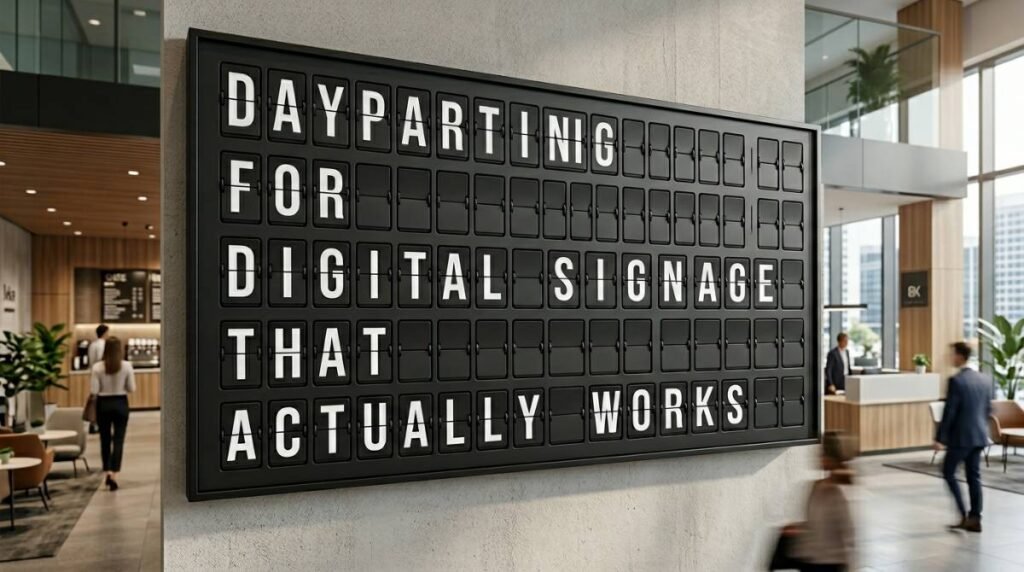
You know that moment when the lunch rush hits and your screen is still selling last night’s happy hour. Or when a guest asks about Wi-Fi for the fifth time, and the answer is technically on a sign – just not the sign that’s currently showing.
That gap between what you meant to communicate and what’s actually on the display is exactly what dayparting is built to fix. Not with more screens. Not with more staff reminders. With smarter timing.
What dayparting means in digital signage
Dayparting is the practice of scheduling content to appear at specific times of day and days of the week. In radio and TV, it’s how ad inventory gets priced and placed. In customer-facing spaces, it’s how your screens stop being “a loop” and start acting like a reliable staff member who always knows what time it is.
With dayparting digital signage software, you’re not manually updating a board at 10:59 a.m. and hoping nobody notices. You pre-build the rules once, then your screens switch content automatically – breakfast becomes lunch, weekday promos become weekend specials, and after-hours messaging flips over without anyone touching a remote.
The payoff is simple: fewer mistakes, fewer interruptions mid-shift, and messaging that feels intentional instead of improvised.
Why dayparting matters more than the screen itself
Most venues don’t struggle because they lack a display. They struggle because the display isn’t behaving like a system.
When content is always-on and always-the-same, it starts blending into the wallpaper. When content changes with the rhythm of the room, it becomes useful. Guests look up because the screen has new information at the exact moment they need it.
Dayparting also creates operational calm. A manager can schedule the week in one sitting. Staff doesn’t have to remember when to swap the menu slide. Marketing doesn’t have to DM someone on-site to “please change the screen” during a busy Friday.
And if you’re running multiple locations, dayparting is one of the first steps toward consistency. The same morning message can appear everywhere at 7:00 a.m., without relying on whoever opened that day.
The best use cases are the ones guests feel
Dayparting is often sold as a feature. In practice, it’s a guest experience upgrade.
Restaurants and cafes use it to run distinct menus without creating a mess of signs. Breakfast items are visible when they’re actually available, then disappear when it’s time for lunch. That alone cuts down on awkward “Sorry, we stopped serving that” conversations.
Bars use dayparting to make the room feel alive. Pre-game specials, happy hour, late-night bites, and event promos can all take turns naturally, instead of fighting for space in a single loop.
Boutique hotels and lobbies use it to match the day’s energy. Morning check-out reminders and coffee hours can shift into evening event info, quiet hours, and local recommendations.
Offices and coworking spaces lean on it for clarity. Morning announcements, meeting room reminders, visitor guidance, and end-of-day messages can rotate on schedule, so people stop asking the front desk the same questions.
Retail has its own version of dayparting too. Staff picks in the morning, lunchtime promos, after-work shopping messaging, weekend-only offers. Timing turns a screen into a selling tool instead of a generic brand reel.
How dayparting digital signage software is usually built
Under the hood, dayparting is a set of scheduling controls layered onto playlists and layouts. You’re generally working with three building blocks.
First is the content itself: slides, announcements, menus, or live modules like weather and event feeds.
Second is a container for that content, often called a playlist or channel. This is the order and duration of what will play.
Third is the schedule: the rules that decide when a playlist is active.
Strong scheduling tools let you assign by day of week, time range, and sometimes special dates. That last part matters more than you’d think. If your holiday hours slide doesn’t automatically appear during the week you need it, you’re right back to texting someone to “change the screen.”
Getting dayparting right: the setup that saves you later
A lot of dayparting pain comes from one mistake: building schedules around content that wasn’t designed to be scheduled.
Start by defining your real dayparts, not the ones you wish you had. If your kitchen stops serving at 9:00 p.m. on weekdays but 10:00 p.m. on weekends, that’s not a detail – it’s a rule.
Then map each daypart to a purpose. Morning might be menu-forward. Midday might answer FAQs and highlight fast sellers. Evening might shift toward experiences, events, or higher-margin add-ons.
Once those pieces are clear, build your playlists so each one can stand on its own. A common trap is mixing breakfast and lunch content in one long loop, then trying to hide pieces with complicated rules. It’s cleaner to make a breakfast playlist and a lunch playlist, then schedule them.
Finally, decide how “fresh” the content needs to feel. If the screen is meant to feel like a living board, use shorter loops and fewer items per daypart. If it’s meant to run ambient brand content, you can afford a longer loop with fewer changes.
Trade-offs to consider before you commit
Dayparting is not automatically better. It depends on how often your information changes and how much attention your guests pay.
If you run a single all-day menu with minimal variation, dayparting might only be worth it for a couple of shifts: open, peak, close. Over-scheduling can make the system harder to maintain than the old printed sign.
It also depends on who owns the updates. If the only person who understands the schedules is the “one techy manager,” you’ve created a single point of failure. The best setups are simple enough that someone can adjust hours or swap a promo without fear.
There’s also a design trade-off: too many time-based messages can make your brand feel busy or overly salesy. A dayparted screen should still look composed – like it belongs in the space.
What to look for in dayparting digital signage software
The scheduling feature is the headline, but the details decide whether it’s a joy or a chore.
You want scheduling that supports recurring weekly rules and one-off overrides. Recurring rules handle the normal rhythm. Overrides handle holidays, private events, and unexpected closures without making you rebuild the whole calendar.
You also want a clear preview of what will play and when. If you can’t confidently answer “What’s on this screen at 4:30 p.m. next Thursday?” you’ll end up testing live, which is how mistakes happen.
Remote management matters too, especially if you’re not always on-site. If the schedule is cloud-based, you can fix a time slot from your phone instead of driving back to the venue.
And don’t ignore content creation. Dayparting only feels premium if the visuals hold up. Templates, layout controls, and the ability to keep typography consistent across messages are what keep your screen from looking like a PowerPoint from 2009.
Where split-flap style makes dayparting feel intentional
Dayparting is functional, but it’s also a chance to add theater. A well-timed content change can feel like a cue. When the room shifts from morning to night, your display can shift with it.
That’s part of why split-flap style works so well in customer-facing spaces. The click-clack transition turns an update into a moment people notice, not just another slide change. And because the format is naturally concise, it pairs well with dayparting: short messages, clear timing, no clutter.
If you’re looking for a display system that blends retro charm with modern scheduling and cloud control, Split Flap TV does exactly that through its app-driven platform and prepared screens at https://splitflaptv.com.
A practical dayparting example you can steal
Imagine a cafe that also serves as a neighborhood hangout. You set four dayparts.
From open to 10:30 a.m., the screen prioritizes breakfast, mobile ordering instructions, and coffee add-ons.
From 10:30 a.m. to 2:00 p.m., it shifts to lunch combos, grab-and-go items, and a rotating “popular today” callout.
From 2:00 p.m. to 5:00 p.m., it slows down. You run Wi-Fi info, seating expectations, and a gentle promo for pastries.
From 5:00 p.m. to close, it flips into evening mode: beer and wine, small plates, upcoming events, and any specials that actually exist at night.
Nothing about that requires more screens. It requires your existing screen to stop trying to say everything all the time.
The operational habit that keeps dayparting from drifting
Even the best schedule decays if nobody tends it. The simplest fix is a standing “screen check” once a week.
Pick a slow moment, pull up the schedule, and ask two questions. First: does each daypart still match reality, including hours and availability? Second: is there anything on the screen that would make a guest ask a question instead of answering one?
That’s it. Dayparting isn’t about building a complex calendar. It’s about protecting clarity.
Your goal is not to show more content. It’s to show the right message at the right time, with enough style and confidence that people trust what they’re seeing – and stop needing to ask.